 AI Mac Cleaner
Cargo Cache Clear on Mac: Get Back Rust's Disk Space
Every cargo build downloads crates into ~/.cargo, shared across every Rust project on the Mac and never cleared automatically. Here's what's in there and the safe way to clear it.
If you build Rust projects on a Mac, ~/.cargo — Cargo's home directory, often referred to as $CARGO_HOME — has been growing with every cargo build since your first project, and it isn't scoped to any one of them. The official Rust team's own blog post on cache cleaning describes it plainly: the cache can grow unbounded and can get quite large, easily reaching several gigabytes, because nothing clears it automatically by default.
What's actually in ~/.cargo
Per Cargo's own documentation, the cache directory holds several distinct kinds of data:
- Registry index data — package dependency metadata pulled from crates.io.
- Compressed
.cratearchives — the downloaded, gzipped source of every dependency version you've ever built against, stored under~/.cargo/registry/cache. - Unpacked crate sources — the same dependencies extracted to actual
.rsfiles Cargo andrustccan read, under~/.cargo/registry/src, unpacked from the archive the first time a build actually needs it. - Git dependency checkouts — full clones of any git repositories your projects depend on directly rather than through crates.io, under
~/.cargo/git.
Because it's one shared store for every Rust project on the machine rather than something scoped per-project, ~/.cargo keeps growing across projects you've long since abandoned or deleted — deleting a project's folder doesn't touch Cargo's home directory at all, the same shape as npm's and pip's shared caches.
Clearing it safely
Cargo's own documentation is direct about this: you can generally delete any part of the cache, since Cargo does its best to restore sources if a crate needs them again — either by re-extracting an archive it still has, checking out a bare repo again, or simply re-downloading from the registry if nothing local remains. The only real cost is time: your next build on each affected project has to re-fetch and, for git dependencies, re-clone what it needs.
- See what's actually there first.
du -sh ~/.cargo/registry ~/.cargo/gitgives a quick size check on the two largest subfolders before you clear anything. - For a lighter, more selective trim, install the
cargo-cachecrate (cargo install cargo-cache). Itscargo cachecommand on its own reports a size breakdown by category;cargo cache --autocleanremoves git checkouts and some derived data while keeping what's needed to reconstruct them, without touching the original downloaded archives;--dry-runpreviews what either command would remove before you commit. - For a complete reset, deleting
~/.cargo/registryand~/.cargo/gitdirectly is safe — Cargo re-downloads and re-extracts whatever the next build actually needs. Expect that next build to be noticeably slower across every project that depends on crates you've cleared. - A newer, unstable option: Cargo has an experimental garbage-collection feature (enabled with
-Zgcon nightly, tracking actual usage in a local database so it can prune files automatically) — it wasn't stabilized as of the Rust team's late-2023 writeup, so check current Cargo documentation before relying on it rather than assuming it's available by default.
Don't confuse this with cargo clean
This is the same mix-up npm and Gradle users run into with their own "clean" commands: cargo clean, run inside a project, only removes that one project's target/ build output directory — the compiled binaries and intermediate build artifacts for that project specifically. It has nothing to do with ~/.cargo's shared registry and git caches, which every project on the machine draws from. Clearing target/ doesn't free any of the space this post is about, and clearing ~/.cargo doesn't touch any project's target/ folder either — they're two separate kinds of disk usage with easily confused names.
Why a general Mac cleaner doesn't reach this one
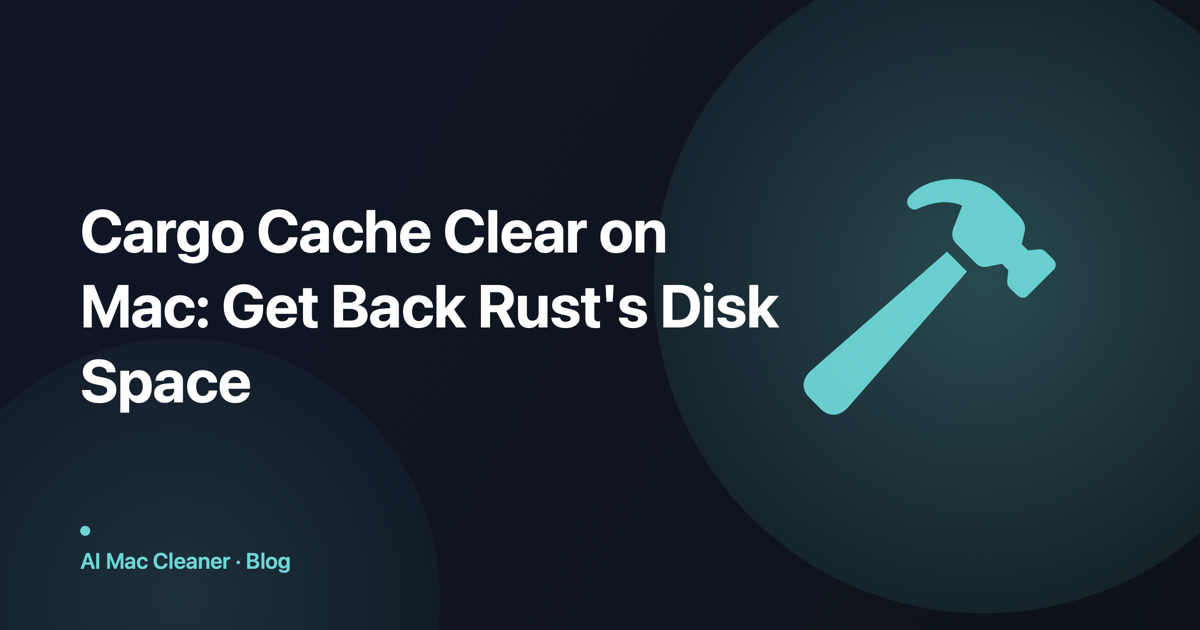
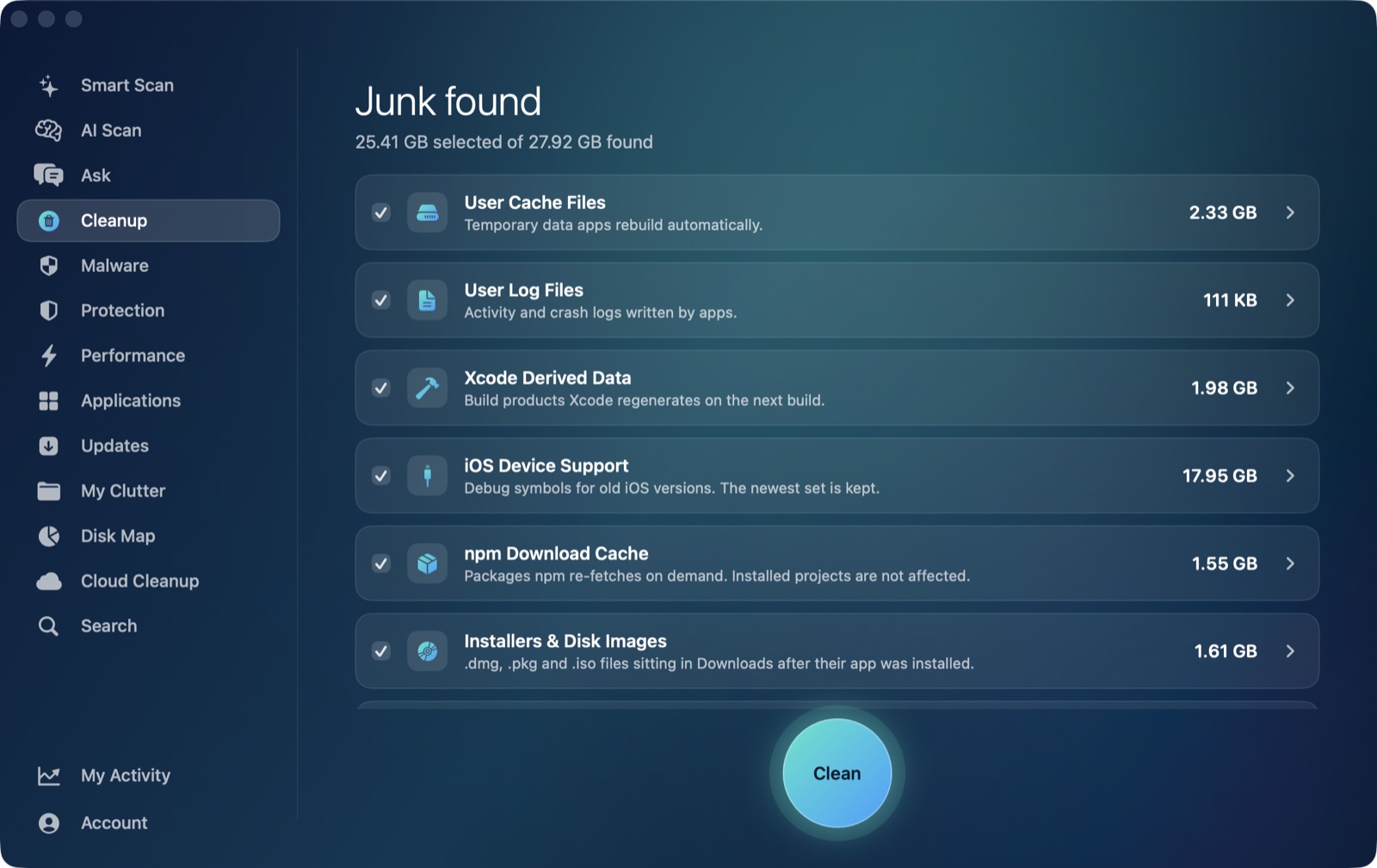
Worth being direct about where AI Mac Cleaner's Cleanup module actually looks, the same way we are for Gradle's cache and npm's: the module's User Cache Files category scans direct children of ~/Library/Caches, the standard location most GUI apps use. Cargo doesn't use that location at all — ~/.cargo sits directly under your home folder, a hidden-prefixed folder name that won't show in a normal Finder window without revealing hidden files first (Cmd+Shift+.). That means the User Cache Files category never sees it, the same blind spot any cleaner scoped to the standard caches folder runs into.
What the app can help with is seeing the folder's actual size and clearing it like any other folder on disk: point Disk Map's treemap at your home folder, or directly at ~/.cargo, to see how large it's actually grown relative to everything else, or use Search to find .cargo by name. Either way, removal still goes through the same Trash-only remover as everything else in the app, recoverable until you empty the Trash — a small safety margin over running rm -rf ~/.cargo/registry straight from Terminal.
When it's actually worth clearing
The cache is worth clearing when it's grown large relative to what you're still actively building — Rust toolchains and large dependency trees (anything pulling in a lot of transitive crates, which is common) can add up fast, and projects you're unlikely to touch again are pure dead weight sitting in the registry cache. If you're mid-project across several active Rust codebases, cargo cache --autoclean is the gentler first move; a full clear trades a one-time, possibly lengthy re-download for the space back regardless.
For the same developer-cache shape in other ecosystems, see clearing npm's cache and clearing pip's cache — same pattern (one shared store, outside the standard caches folder for Cargo specifically), different language.
AI Mac Cleaner has a 7-day free trial with every feature unlocked, no card required, and plans from $6.99/mo after.
Frequently asked questions
Where is Cargo's cache on a Mac?
~/.cargo (also called $CARGO_HOME), a hidden folder directly under your home directory. The two largest subfolders are usually registry (downloaded and extracted crate sources) and git (git-dependency checkouts).
Does clearing the Cargo cache break my Rust projects?
No — everything in it is re-downloadable or re-extractable, which Cargo's own documentation confirms directly. The only cost is time: your next build on each affected project re-fetches what it needs instead of reusing a local copy.
What's the difference between cargo clean and clearing ~/.cargo?
cargo clean removes a single project's target/ build output folder only. It has no effect on ~/.cargo's shared registry and git caches, which every Rust project on the machine draws from — the two commands target completely different folders despite the similar-sounding names.
Can AI Mac Cleaner clear my Cargo cache automatically?
Not as a dedicated category — its User Cache Files category only scans ~/Library/Caches, and Cargo's cache lives outside that folder entirely, under ~/.cargo. Disk Map and Search can locate and Trash the folder like any other folder on disk.
Is there a tool that clears just part of the Cargo cache?
Yes — the third-party cargo-cache crate (cargo install cargo-cache) reports a size breakdown and supports --autoclean for a narrower trim that keeps original downloaded archives, plus a --dry-run flag to preview what either command would remove first.