 AI Mac Cleaner
Swift Package Manager Cache on Mac: When It's Worth Clearing
Xcode's Swift Package Manager keeps a global cache at ~/Library/Caches/org.swift.swiftpm that grows with every project and never clears itself. Here's what's in it and when clearing it actually helps.
If you work in Xcode and have ever opened Activity Monitor or Disk Utility and found ~/Library/Caches/org.swift.swiftpm sitting at a surprising size, it's doing exactly what it's supposed to: Swift Package Manager (SPM) keeps a single, shared cache of every package it has ever downloaded, across every Xcode project on the Mac, and nothing in Xcode clears it automatically.
What's actually in org.swift.swiftpm
Apple's own Swift tooling treats this folder as a global download cache rather than something scoped to one project — every time Xcode resolves a Swift package dependency for any project, SPM checks here first before reaching out to a package's git repository again. That's genuinely useful: a package you depend on in three different apps only has to be fetched once, not three times. The cost is that the cache only ever grows, project by project, and nothing prompts you to clear out packages tied to projects you deleted months ago.
There's also a second, related location worth knowing about: ~/Library/org.swift.swiftpm (without "Caches" in the path) can independently hold stale manifest or resolution data. Some developers report having to clear both folders, not just the Caches one, to fully reset a stuck dependency-resolution issue — if clearing the main cache alone doesn't fix something, that second folder is worth checking too.
Is it safe to clear?
Yes. SPM re-downloads whatever a project actually needs the next time you resolve its dependencies — deleting the cache doesn't touch any project's code or its already-built output. The only real cost is time: the next build on each project that depended on a now-uncached package has to re-fetch it from its git repository instead of reading a local copy, so expect your next clean build to take noticeably longer across whatever you're actively working on.
How to clear it
- Check the size first.
du -sh ~/Library/Caches/org.swift.swiftpmgives you an honest number before deciding whether it's worth touching. - Use Swift's own purge command, available from Swift 5.7 onward:
swift package purge-cacheremoves the global package cache directly — the officially supported way to do this, rather than deleting the folder by hand. - For a project-specific reset that doesn't touch the global cache, Xcode's own File → Packages → Reset Package Caches menu item re-resolves just that project's dependencies; it's narrower and a reasonable first try if only one project is misbehaving.
- If a dependency issue persists after purging the cache, also check
~/Library/org.swift.swiftpmfor leftover manifest data, since some developers report that resolving fully requires clearing that folder too, not just the Caches one.
Don't confuse this with Xcode's DerivedData
This is the same mix-up npm's cache and Cargo's run into with their own project-specific "clean" commands — except here it runs the other way. Since Xcode 13, SPM's resolved packages and their compiled products also live inside each project's own DerivedData folder (~/Library/Developer/Xcode/DerivedData), separate from the global download cache this post is about. Clearing DerivedData for a project forces Xcode to re-resolve and rebuild its packages from scratch; clearing the global org.swift.swiftpm cache just means that re-resolution fetches fresh copies instead of reusing cached ones. For most people, DerivedData is the bigger and more familiar space sink — we cover it on its own — while the SPM package cache is the smaller, less obvious companion most developers don't know exists until they go looking for it specifically.
Where AI Mac Cleaner actually reaches this one
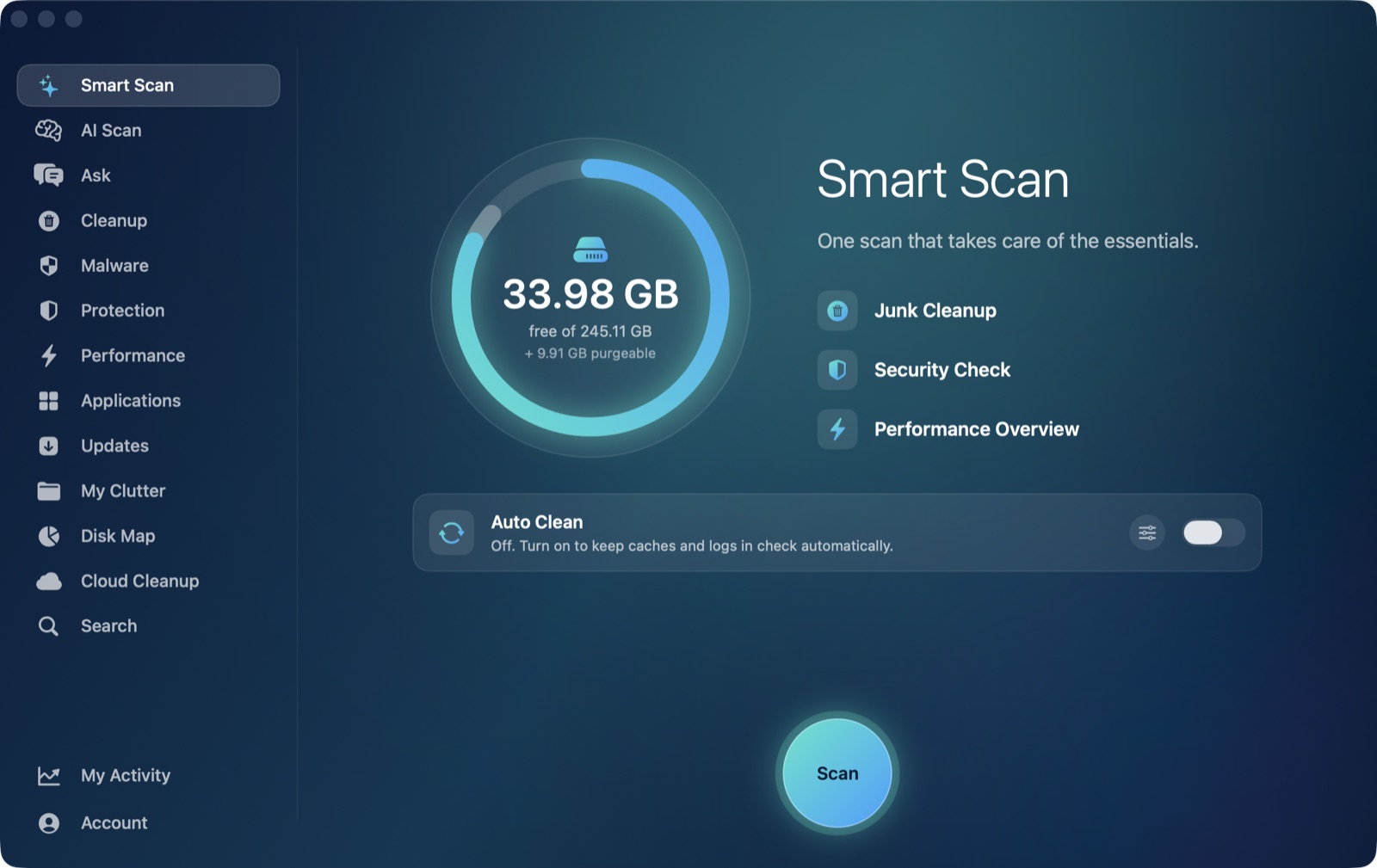
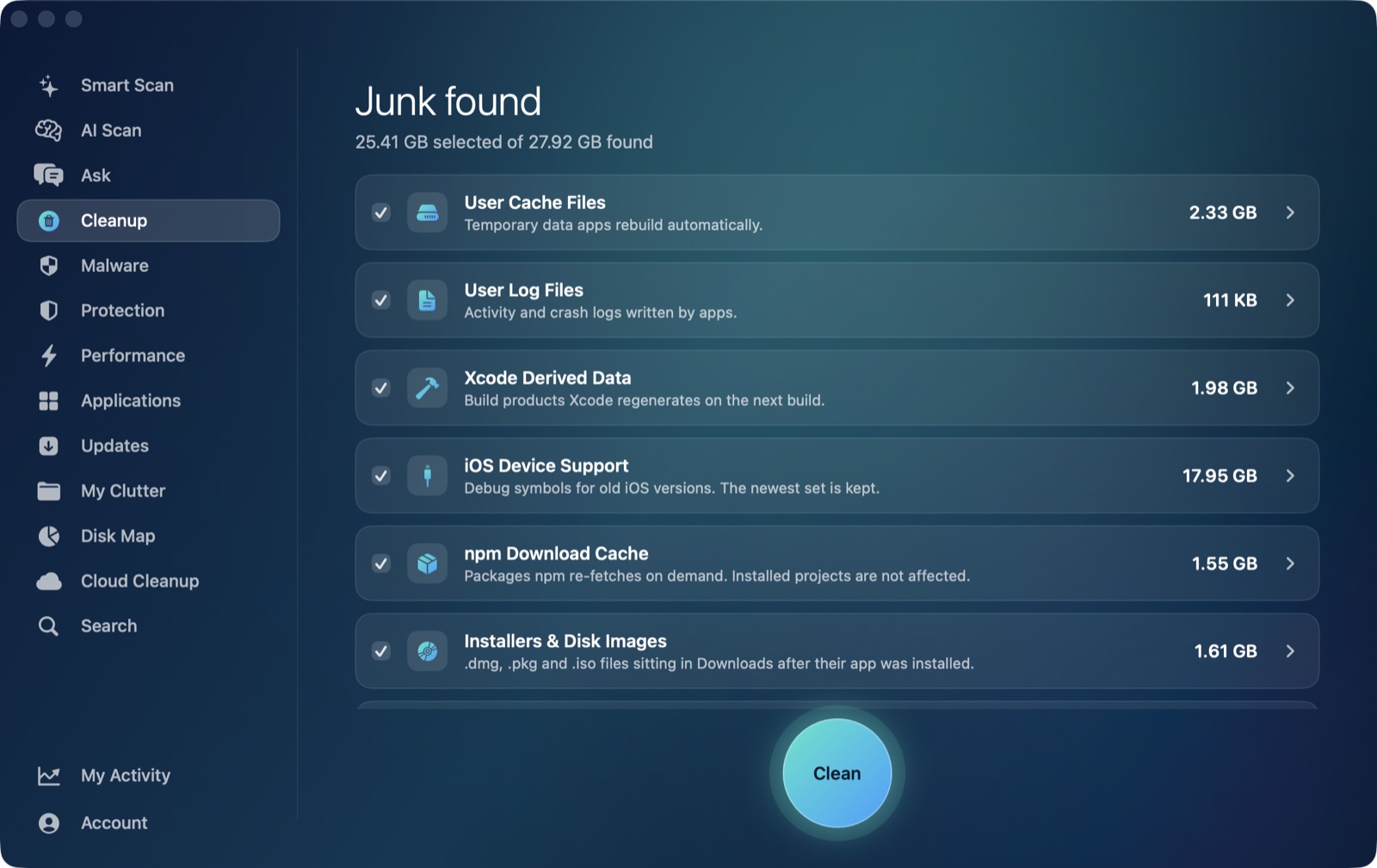
Unlike several of the developer caches we've covered — Cargo's ~/.cargo, Gradle's ~/.gradle, npm's ~/.npm — which all live in hidden folders directly under your home directory, org.swift.swiftpm sits exactly where AI Mac Cleaner's Cleanup module already looks: as a direct child of ~/Library/Caches. That means its User Cache Files category, which scans that folder and is safe to clean unattended (it's one of the categories eligible for Auto Clean), picks it up automatically alongside every other app's cache — no separate developer-junk category needed for this one, unlike npm, which needed its own because ~/.npm sits outside ~/Library/Caches entirely.
What it doesn't reach is the second location, ~/Library/org.swift.swiftpm (no "Caches" in the path) — that one sits directly under ~/Library itself, outside the folder the User Cache Files category scans, so if a stuck dependency needs that one cleared specifically, it's still a manual job. The app's Xcode Derived Data category is separate again, and covers the DerivedData side of this post on its own.
Either way, whatever AI Mac Cleaner removes goes to the Trash first, never straight to permanent deletion — recoverable until you choose to empty it, which matters less here than for something like a chat database, but is still the same consistent safety margin across every category the app touches.
AI Mac Cleaner has a 7-day free trial with every feature unlocked and no card required, plans from $6.99/mo after.
Frequently asked questions
Where is the Swift Package Manager cache on a Mac?
~/Library/Caches/org.swift.swiftpm is the main one — a direct child of the standard macOS caches folder. A second location, ~/Library/org.swift.swiftpm (without "Caches"), can independently hold stale manifest data for some dependency-resolution issues.
Does clearing the SPM cache break my Xcode projects?
No — Swift Package Manager re-downloads whatever a project needs the next time you resolve its dependencies. The only cost is time: your next build on affected projects re-fetches packages instead of reusing the cached copies.
What's the difference between this cache and Xcode's DerivedData?
DerivedData holds each project's own resolved packages and build output, and lives per-project under ~/Library/Developer/Xcode/DerivedData. The org.swift.swiftpm cache is a separate, global download cache shared across every project — clearing one doesn't clear the other.
Can AI Mac Cleaner clear this cache automatically?
Yes, for the main ~/Library/Caches/org.swift.swiftpm folder — it's a direct child of the folder the Cleanup module's User Cache Files category scans, so it's picked up the same as any other app's cache. The second ~/Library/org.swift.swiftpm location, outside that folder, still needs a manual check.
What's the officially supported way to clear it?
swift package purge-cache, available from Swift 5.7 onward, clears the global cache directly. Xcode's own File → Packages → Reset Package Caches is the narrower, project-specific alternative if only one project's dependencies are acting up.