AI Mac Cleaner
How to Clear Gradle Cache on a Mac
Gradle's cache lives at ~/.gradle/caches, invisible in Finder and outside most Mac cleaners' reach. Here's what's in there, the safe way to clear it, and why a general cache cleaner can't reach it.
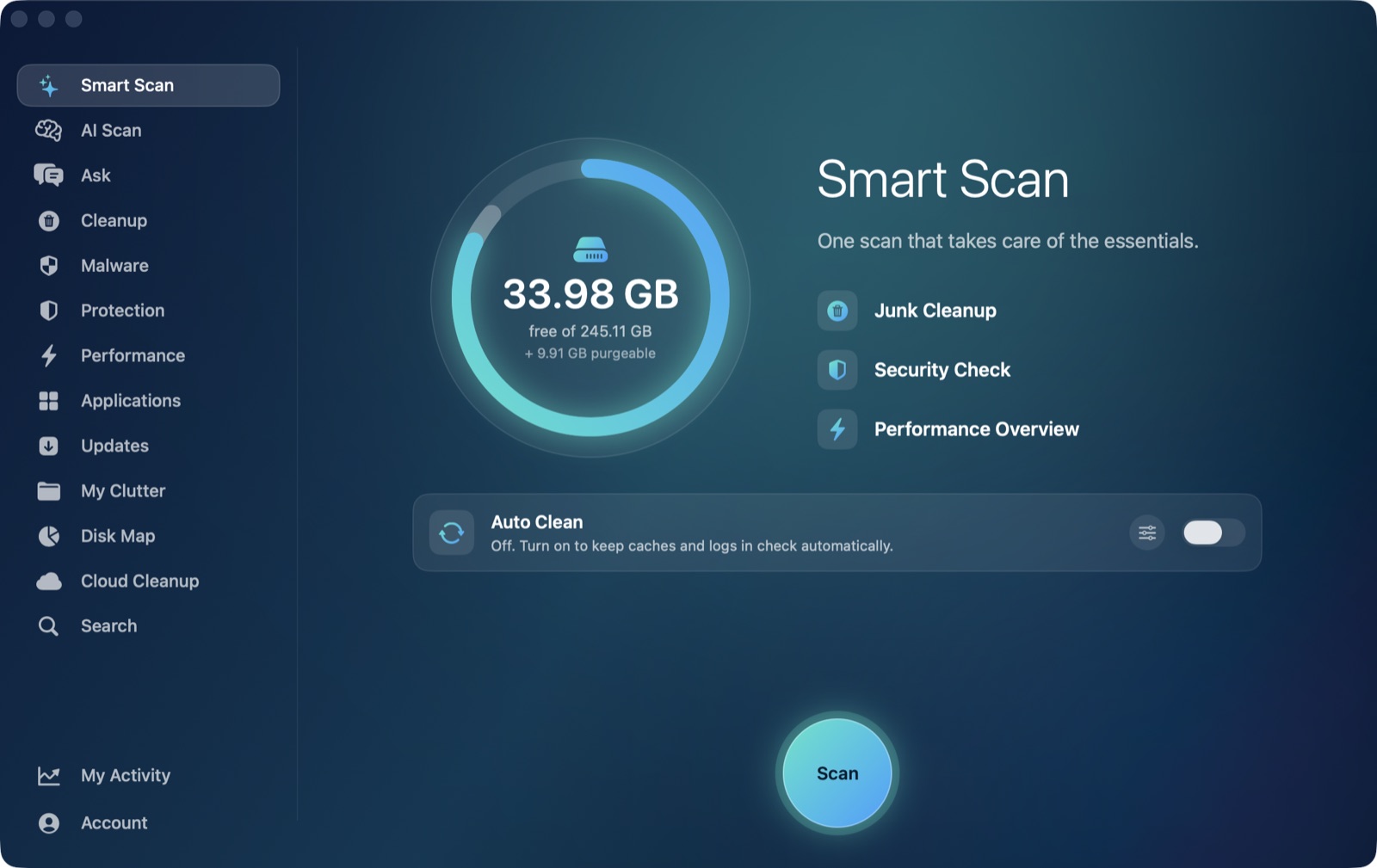
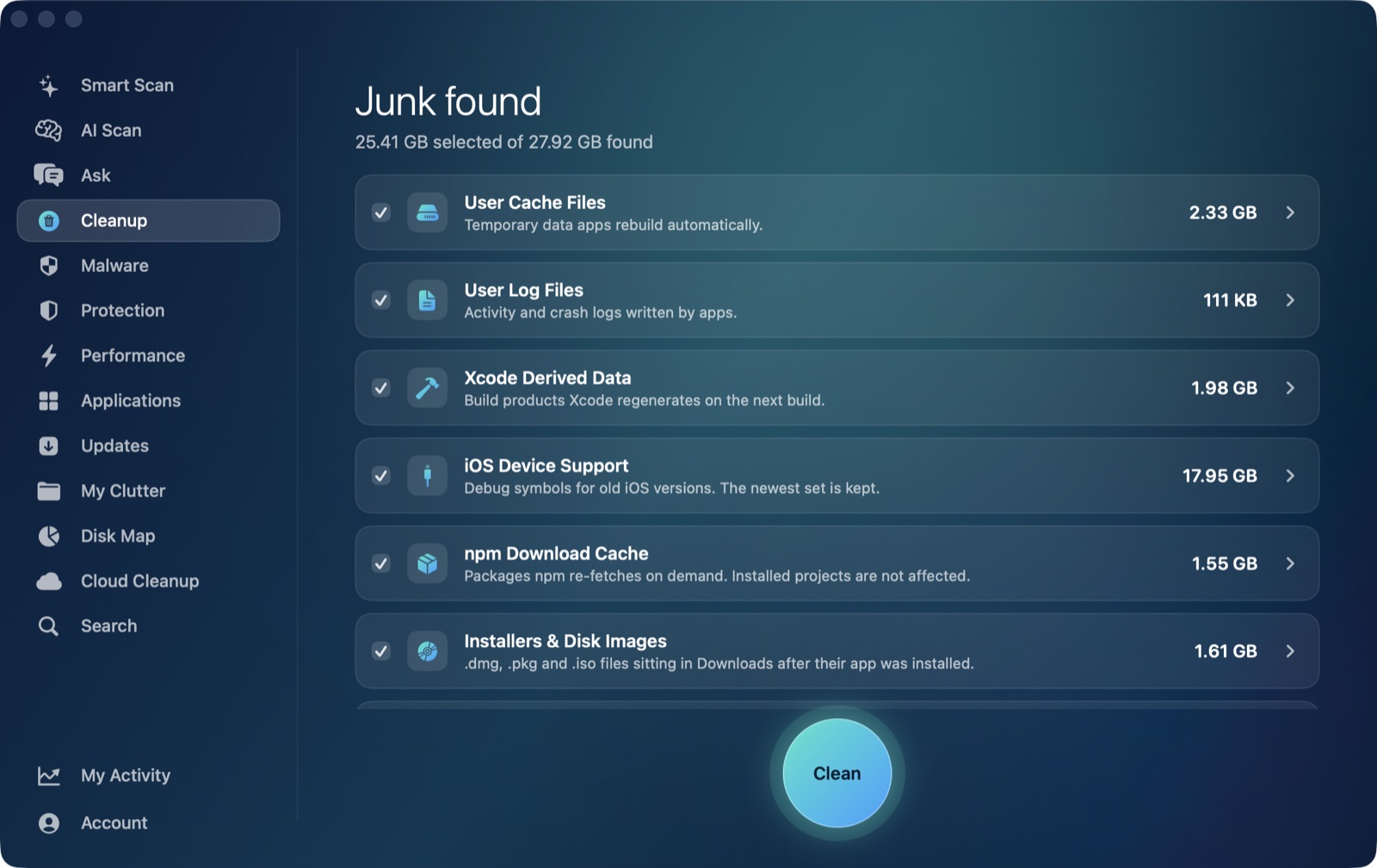
If you build Android or Java/Kotlin projects on a Mac, ~/.gradle/caches is quietly growing every time you build, and it's one of the less visible disk hogs on a developer's machine — it's a hidden folder, Finder doesn't show it by default, and it isn't a byproduct most people think to check. Here's what's actually in there, when it's safe to clear, and the one thing worth knowing if you're used to a general-purpose Mac cleaner handling this kind of thing for you.
What's actually in ~/.gradle/caches
Gradle keeps everything it downloads and computes under your home folder's .gradle directory, not inside any individual project. Under ~/.gradle/caches specifically, that includes downloaded dependency artifacts (the same .jar and .aar files your projects depend on, deduplicated across every project that uses them), transformed and compiled outputs, file-hash metadata Gradle uses to decide whether something needs rebuilding, wrapper distributions for different Gradle versions, and build cache entries. A separate ~/.gradle/daemon folder holds log files from Gradle's background daemon process, which stays running between builds to speed up the next one.
Because it's shared across every project on the machine rather than scoped to one, ~/.gradle/caches can grow substantially over months of Android or Java development — code2care's own breakdown of the folder's contents, and the existence of dedicated third-party tools built specifically to clean it, both point to this being a real, recurring space complaint rather than a one-off.
Clearing it safely
- Stop the Gradle daemon first. Run
./gradlew --stopfrom any project, orgradle --stopif you don't use the wrapper. The daemon holds file locks on cached artifacts while it's running, and clearing the cache out from under it can cause odd build errors. - For just the build cache, run
gradle cleanBuildCache(or./gradlew cleanBuildCache). This targets build cache entries specifically — it's a narrower, safer trim than wiping the whole folder, but it won't touch cached dependency downloads. - To clear everything, delete
~/.gradle/cachesdirectly once the daemon is stopped. The next build re-downloads every dependency from scratch for every project that uses it, so expect a noticeably slower first build afterward — this is the real cost, the same trade-off asnpm cache clean --forcecovered in our npm cache post, just for the JVM/Android ecosystem instead of Node. - In Android Studio, File → Invalidate Caches / Invalidate Caches and Restart covers the IDE's own cache layer, which is related but distinct from Gradle's own
~/.gradle/caches.
Don't confuse any of this with ./gradlew clean inside a project — that only removes the project's local build/ output folder, not the shared global cache under ~/.gradle. They're two different things with confusingly similar names.
Why a general Mac cleaner doesn't reach this one
It's worth being direct about where AI Mac Cleaner's Cleanup module actually looks, because Gradle's cache is a useful example of a real gap. The module's User Cache Files category scans direct children of ~/Library/Caches — the standard macOS location almost every app, including Chrome, Slack and CocoaPods, uses for its cache. Gradle doesn't use that location at all; it keeps .gradle directly under your home folder, outside ~/Library/Caches entirely. That means the User Cache Files category never sees it, and no amount of running a general cache cleanup will touch ~/.gradle/caches — a pattern unrelated to AI Mac Cleaner specifically; any cleaner scoped to the standard caches folder has the same blind spot.
What the app can help with is seeing the folder's size and clearing it like any other folder on disk: point Disk Map's treemap at your home folder (or ~/.gradle directly) to see exactly how large the caches folder has grown relative to everything else, or use Search to find .gradle by name and move it to the Trash from there. Either way, removal still goes through the same Trash-only remover as everything else in the app, so it's recoverable until you empty the Trash — a small advantage over rm -rf ~/.gradle/caches run straight from Terminal.
When it's actually worth clearing
The cache is worth clearing when it's grown very large relative to what you're still actively rebuilding — long-dormant projects you're unlikely to touch again, or stale wrapper distributions from Gradle versions you've since upgraded past. If you're mid-sprint across several active Android or Java projects, clearing the whole thing trades a one-time rebuild cost for disk space you'll get back regardless; gradle cleanBuildCache is the gentler first move if you're not sure you want the full re-download hit yet.
For the other developer-junk cache clusters on a Mac that work the same way — regenerable, safe to clear, but each living in its own non-obvious location — see clearing CocoaPods cache and clearing Homebrew's cache.
To see what's actually filling up your Mac beyond the caches a general cleaner can reach — and get a sized, reviewable list of the categories it does cover automatically — AI Mac Cleaner has a 7-day free trial with every feature unlocked, no card required, and plans from $6.99/mo after that.
Frequently asked questions
Where is the Gradle cache folder on a Mac?
~/.gradle/caches, directly under your home folder. It's a hidden folder (its name starts with a dot), so Finder won't show it unless you press Cmd+Shift+. to reveal hidden files, or you navigate to it directly in Terminal.
Does deleting the Gradle cache break my projects?
No — everything in it is regenerable. The only cost is time: the next build has to re-download dependencies and redo cached computations it would otherwise have reused, so expect a slower first build after a full clear, especially across several projects at once.
Can AI Mac Cleaner clear my Gradle cache automatically?
Not as a dedicated category — its User Cache Files category only scans ~/Library/Caches, and Gradle's cache lives outside that folder entirely, under ~/.gradle. Disk Map and Search can locate and Trash the folder like any other folder on disk, but there's no Gradle-specific scanner.
What's the difference between gradle cleanBuildCache and deleting ~/.gradle/caches?
cleanBuildCache targets build cache entries specifically and leaves cached dependency downloads alone, so it's a narrower trim. Deleting the whole caches folder clears everything, including downloaded dependency artifacts, which means a bigger space win but a slower next build across every project that uses them.
Why doesn't ./gradlew clean clear the Gradle cache?
Because it's targeting something different — ./gradlew clean removes a single project's local build/ output folder, not the shared cache under ~/.gradle that every project on the machine draws from. The similar names are a common source of confusion.