 AI Mac Cleaner
Go Cache Clear on Mac: Get Back Disk Space
Go's build cache grows forever with no automatic limit. Here's where it lives, the one-line command to clear it, and how it fits next to the rest of a Mac's developer junk.
If you build Go projects on a Mac, a go cache clear for disk space is worth knowing about before your disk fills up quietly in the background — Go's build cache has no automatic size limit, and unlike some languages' package managers, nothing prunes it on its own. Here's exactly where it lives, the command that clears it safely, and the separate, larger cache it's easy to confuse it with.
Where Go's build cache actually lives
Run this in Terminal to get the exact path on your machine:
go env GOCACHE
On macOS the default is ~/Library/Caches/go-build. Every go build, go test or go run writes compiled package objects into this folder so future builds can reuse them instead of recompiling from scratch — the same idea as a browser's cache, just for compiled code instead of web assets. There's no built-in limit on how large it grows; an open issue on Go's own tracker confirms GOCACHE has no size cap, so it accumulates for as long as you keep building.
Clearing it safely
go clean -cache
This empties the build cache specifically. It's safe to run any time — nothing here is irreplaceable, only time saved on future builds. The next build after clearing will be noticeably slower than usual since it has to recompile everything from zero, but every build after that goes back to normal as the cache refills. To preview what would be removed without actually doing it:
go clean -n -cache
The module cache: a different, often bigger folder
Don't confuse the build cache with Go's module cache, which stores every downloaded dependency so repeat builds across projects don't re-fetch them from the network. It lives separately, under ~/go/pkg/mod by default (or wherever $GOPATH/pkg/mod points), and tends to be the larger of the two folders on a machine with several Go projects. Clearing it means re-downloading every dependency the next time it's needed:
go clean -modcache
Some setups mark this folder read-only, so this command may need sudo to complete — worth trying without it first.
How AI Mac Cleaner handles it
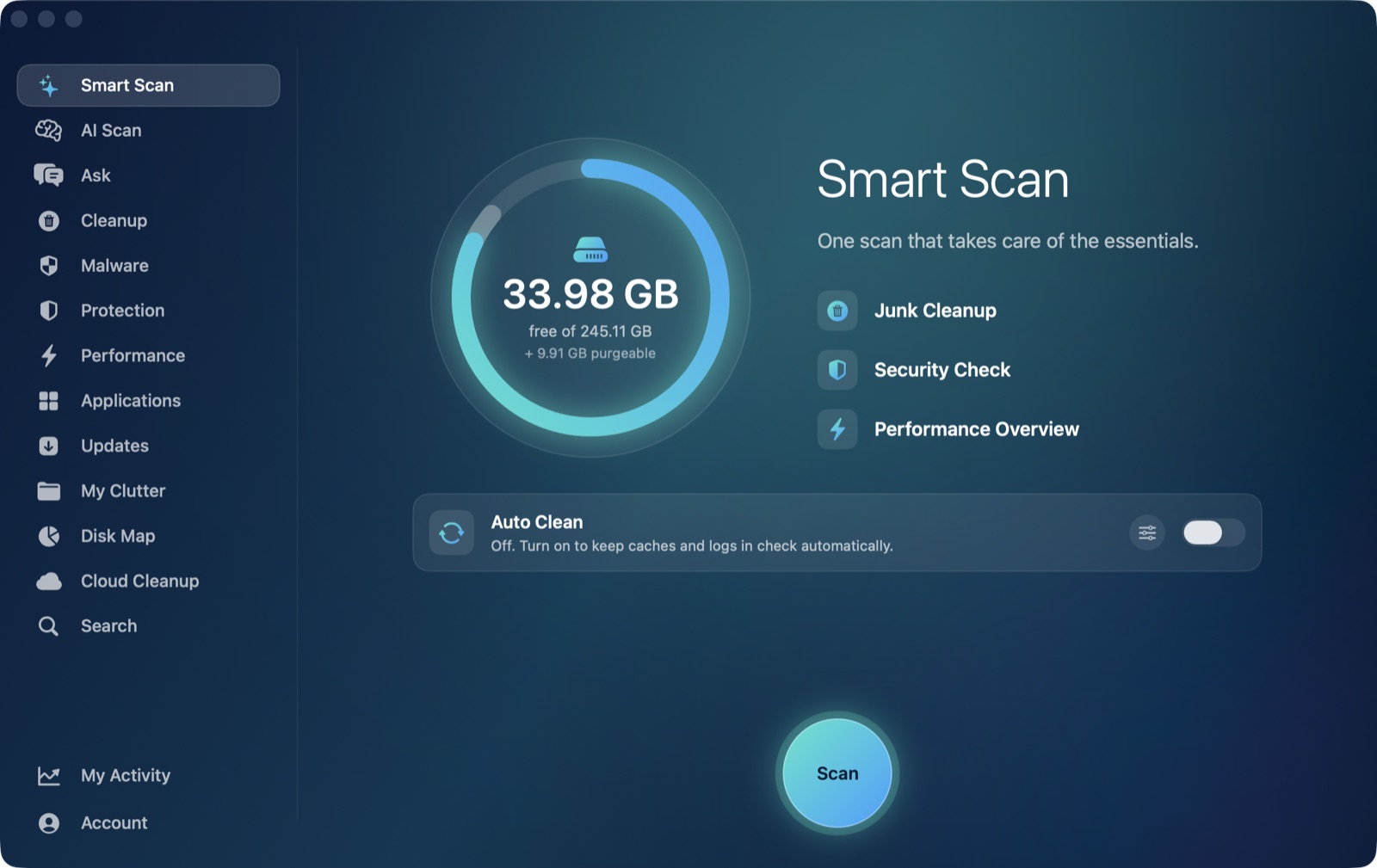
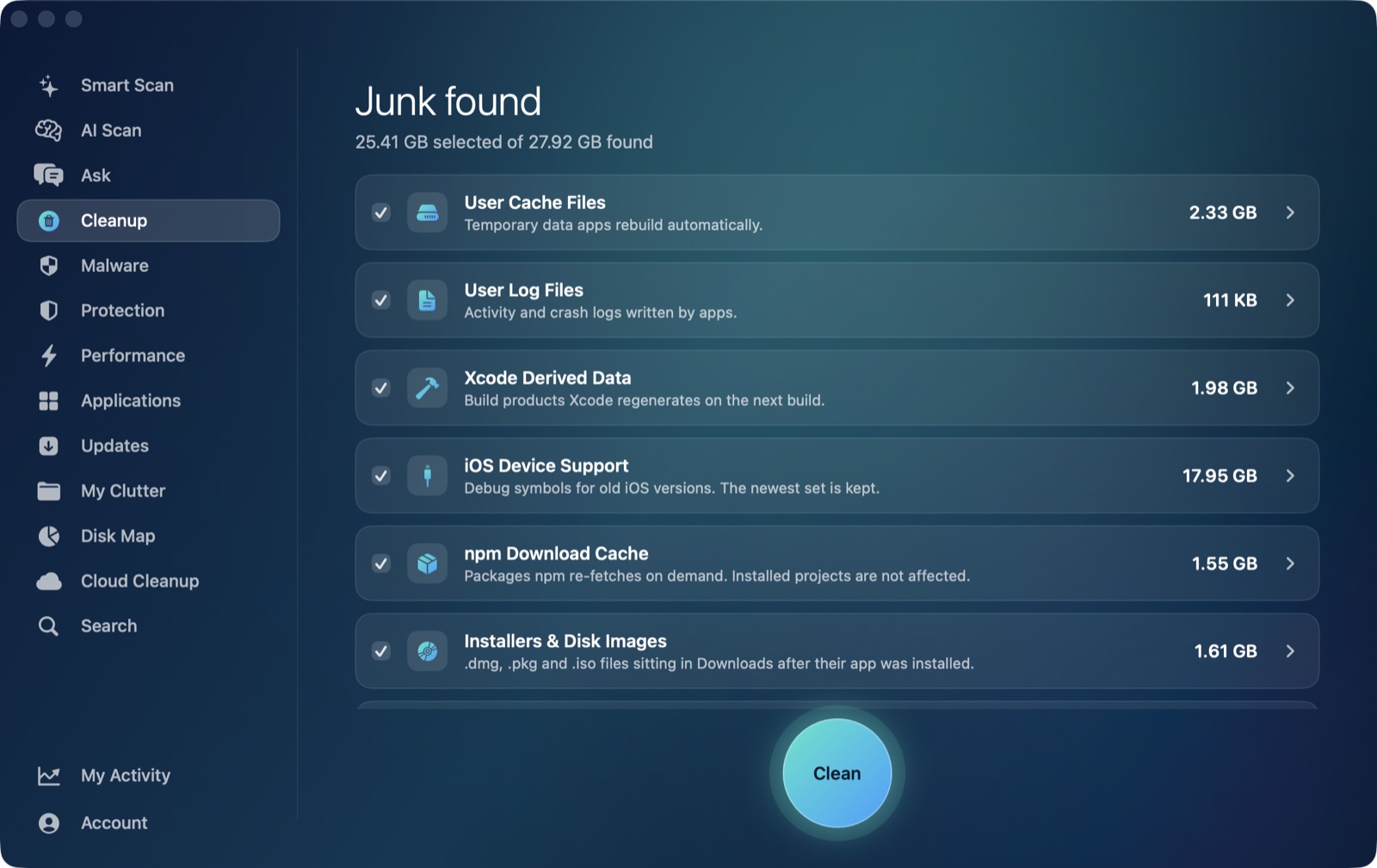
Go's build cache sits directly under ~/Library/Caches — the same standard location Homebrew uses — so it's exactly the kind of folder AI Mac Cleaner's Cleanup module already sweeps in its User Cache Files category, a routine pass across every app and tool that keeps a cache in that standard location. It doesn't know Go-specific commands like go clean -cache and can't tell your build cache from your module cache the way Go's own tooling can, but it sees the go-build folder's size and includes it in the sweep, the same way it would for Chrome's or Homebrew's cache.
The module cache under ~/go/pkg/mod is a different story: it sits outside ~/Library entirely, in the same way npm's _cacache does, so no automatic scanner reaches it — go clean -modcache from Terminal is the only way to clear that one.
To clear Go's build cache along with everything else that's accumulated under ~/Library/Caches in one sized, reviewable pass, AI Mac Cleaner has a 7-day free trial with every feature unlocked, no card required, and plans from $6.99/mo after that.
Frequently asked questions
Where is Go's build cache on a Mac?
Run go env GOCACHE to get the exact path — by default ~/Library/Caches/go-build. It holds compiled package objects from every build, test and run, and has no automatic size limit.
Does clearing Go's cache break my projects?
No. go clean -cache only removes rebuildable compiled objects; your source code, dependencies and module cache are untouched. The only cost is a slower first build afterward while the cache refills.
What's the difference between the build cache and the module cache?
The build cache (~/Library/Caches/go-build) stores compiled objects from your own builds. The module cache (~/go/pkg/mod by default) stores downloaded dependencies shared across projects — a different, often larger folder that go clean -cache doesn't touch.
Does AI Mac Cleaner clear Go's cache specifically?
Not as a dedicated Go-aware feature — it has a general User Cache Files category that sweeps ~/Library/Caches, which includes Go's build cache folder since that's where Go keeps it by default. It doesn't distinguish build cache from module cache the way Go's own commands do.