 AI Mac Cleaner
Maven Cache Clear on Mac: Get Back Java's Disk Space
Every Maven build downloads dependencies into ~/.m2/repository, shared across every Java project and never trimmed automatically. Here's what's in there and the safe way to clear it.
If you build Java or Kotlin projects with Maven on a Mac, ~/.m2/repository has been quietly accumulating every dependency version your projects have ever pulled down — and it's shared across every Maven project on the machine, not scoped to any one of them. It's the same general shape as the Gradle cache we've covered for Android and JVM development generally, just for Maven's own build system.
What's actually in ~/.m2/repository
Maven calls this folder your local repository, and that name is literal: it's where every .jar (and its matching .pom metadata file) gets stored once Maven downloads it, organized by group ID, artifact ID and version in a nested folder structure mirroring Maven's own dependency coordinates. The point of keeping it is reuse — the next project that depends on the same library version pulls it straight from this local copy instead of hitting a remote repository again. Because it's one shared store rather than something scoped per-project, it keeps growing across every Maven build you've ever run, and deleting a project's folder doesn't touch ~/.m2 at all, the same disconnect as Gradle's ~/.gradle/caches or npm's ~/.npm.
Clearing it safely
- See what's actually there first.
du -sh ~/.m2/repositorygives a quick overall size; if you want a breakdown by top-level group (likeorg.springframeworkorcom.google),du -sh ~/.m2/repository/*inside that folder shows which dependency trees are actually the biggest. - Delete selectively, if you know which dependency isn't needed anymore.
rm -rf ~/.m2/repository/org/springframework(or whichever group you want gone) removes just that tree — Maven re-downloads it automatically the next time any project actually needs it. - Purge with Maven's own plugin, for a more targeted trim than deleting everything:
mvn dependency:purge-local-repositoryremoves resolved dependency artifacts for your current project and re-downloads only the current versions it still needs, rather than wiping the whole shared store. It also supports options likesnapshotsOnly(to clear only SNAPSHOT versions, which tend to pile up fastest since every build of an in-development dependency gets its own entry) andactTransitively. - Delete everything, for a full reset: removing the entire
~/.m2/repositoryfolder is the simplest option, and Maven rebuilds it from scratch on your next build. Expect that next build to be noticeably slower, since every dependency across every project has to be re-downloaded rather than reused.
Third-party tools like the open-source mcup CLI exist specifically to help keep a local Maven repository smaller and tidier over time, if you'd rather not run these commands by hand regularly.
The SNAPSHOT wrinkle
Worth knowing specifically if your repository is larger than you'd expect: SNAPSHOT dependencies (versions still under active development, typically from your own or your team's in-progress projects) get re-downloaded and re-cached on every build that pulls a fresh one, rather than being reused indefinitely the way a released version is. If you or your team publish SNAPSHOT artifacts regularly, that's often the single biggest reason ~/.m2/repository grows faster than a quick glance at your actual dependency list would suggest — mvn dependency:purge-local-repository -DsnapshotsOnly=true targets exactly that without touching stable, released versions you're still using.
Why a general Mac cleaner doesn't reach this one
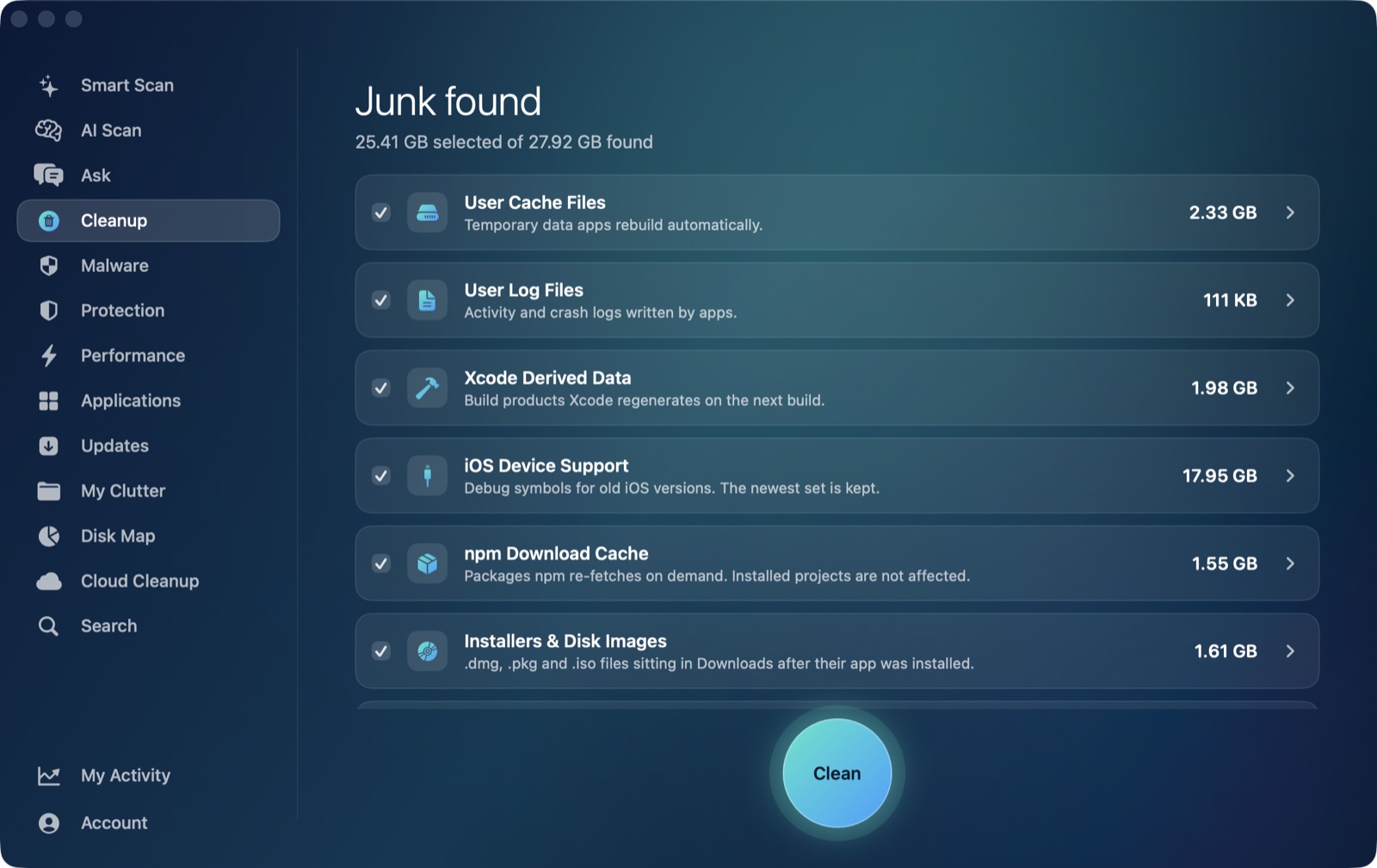
It's worth being direct about where AI Mac Cleaner's Cleanup module actually looks, the same way we are for Gradle's cache and pip's: the module's User Cache Files category scans direct children of ~/Library/Caches, the standard location most GUI apps use for their own cache. Maven's local repository doesn't use that location at all — .m2 sits directly under your home folder, a hidden-prefixed folder name Finder won't show by default (Cmd+Shift+. reveals it). That means the User Cache Files category never sees it, the identical blind spot any general cleaner scoped to the standard caches folder runs into for Gradle or Cargo too.
What the app can help with is seeing the folder's actual size and clearing it like any other folder on disk: point Disk Map's treemap at your home folder, or directly at ~/.m2, to see how large it's grown relative to everything else, or use Search to find .m2 by name. Either way, removal still goes through the same Trash-only remover as elsewhere in the app, recoverable until you empty the Trash — a small advantage over rm -rf ~/.m2/repository run straight from Terminal.
If you're also an Android or Gradle developer
A lot of JVM developers run both build systems across different projects, or move between them over a project's lifetime. Maven's ~/.m2/repository and Gradle's ~/.gradle/caches are two entirely separate caches with no overlap — clearing one has no effect on the other, so if you're chasing disk space across a Java-heavy Mac, both are worth checking rather than assuming one covers the other. Our Gradle cache post covers that side in detail, including the Android-specific angle via Android Studio's own cache layer.
AI Mac Cleaner has a 7-day free trial with every feature unlocked, no card required, and plans from $6.99/mo after.
Frequently asked questions
Where is Maven's cache on a Mac?
~/.m2/repository, a hidden folder directly under your home directory. It's called your "local repository" rather than a cache in Maven's own terminology, but it serves the same purpose — a reusable local copy of every downloaded dependency.
Does clearing the Maven repository break my projects?
No — everything downloadable in it gets re-fetched automatically the next time a build needs it. The only cost is time: expect a noticeably slower next build across every project that depends on what you cleared, since nothing is reused from a local copy anymore.
What's the safest way to trim just the dependencies I don't need?
mvn dependency:purge-local-repository, run from a project, removes resolved artifacts for that project's dependency tree and re-downloads only what it currently needs — narrower than wiping the whole ~/.m2/repository folder outright.
Why does my local Maven repository grow faster than my actual dependency count would suggest?
SNAPSHOT dependencies (in-development versions, often your own team's) get re-cached on every build that pulls a fresh one, rather than reused indefinitely like a released version. mvn dependency:purge-local-repository -DsnapshotsOnly=true clears just those.
Can AI Mac Cleaner clear my Maven cache automatically?
Not as a dedicated category — its User Cache Files category only scans ~/Library/Caches, and Maven's local repository lives outside that folder entirely, under ~/.m2. Disk Map and Search can locate and Trash the folder like any other folder on disk.