 AI Mac Cleaner
pip Cache Taking Up Disk Space on a Mac? Here's How to Clear It
Every package pip downloads gets cached under ~/Library/Caches/pip, growing quietly across every virtual environment you've ever created. Here's what it is and the safe way to clear it.

If you work in Python, pip install has been quietly caching every package it downloads since the day you set up your first virtual environment — and because the cache is shared across every project and every venv on the Mac, it keeps growing long after any individual project is gone.
Where pip's cache actually lives
On macOS, pip's cache directory is ~/Library/Caches/pip by default. Run pip cache dir in Terminal to confirm the exact path on your machine (it can differ if PIP_CACHE_DIR has been set in your shell config). Inside, pip stores downloaded wheel files and the build artifacts for packages it compiled from source, indexed so that installing the same package version again — in a different virtual environment, or after deleting and recreating one — can skip the download and the build entirely.
That's the same shape as npm's ~/.npm/_cacache cache: one shared store that every project on the Mac draws from, rather than a separate cache per virtual environment. Deleting a venv doesn't touch pip's cache at all, so years of python -m venv and rm -rf leave the cache as the one thing that actually accumulates.
How big does it actually get
pip cache info prints the current size and number of wheels cached without deleting anything — worth running before clearing anything, since the number is often smaller than people expect for day-to-day scripting but can run into several gigabytes for anyone who regularly installs packages with large compiled dependencies (data science and machine learning packages especially, which ship large compiled wheels).
Clearing it safely
pip cache purge removes everything in the cache. It's safe in the same way clearing npm's cache is safe: nothing currently installed in any virtual environment is touched, since environments keep their own installed copies separately from pip's download cache. The only cost is that your next install of each package has to download (and, for anything built from source, recompile) again instead of pulling from the cache.
For a lighter touch, pip cache remove <package-name> clears just one package's cached wheels instead of the whole store — useful if one specific dependency you know you won't reinstall is responsible for most of the size.
The safer way: let a cleaner size it first
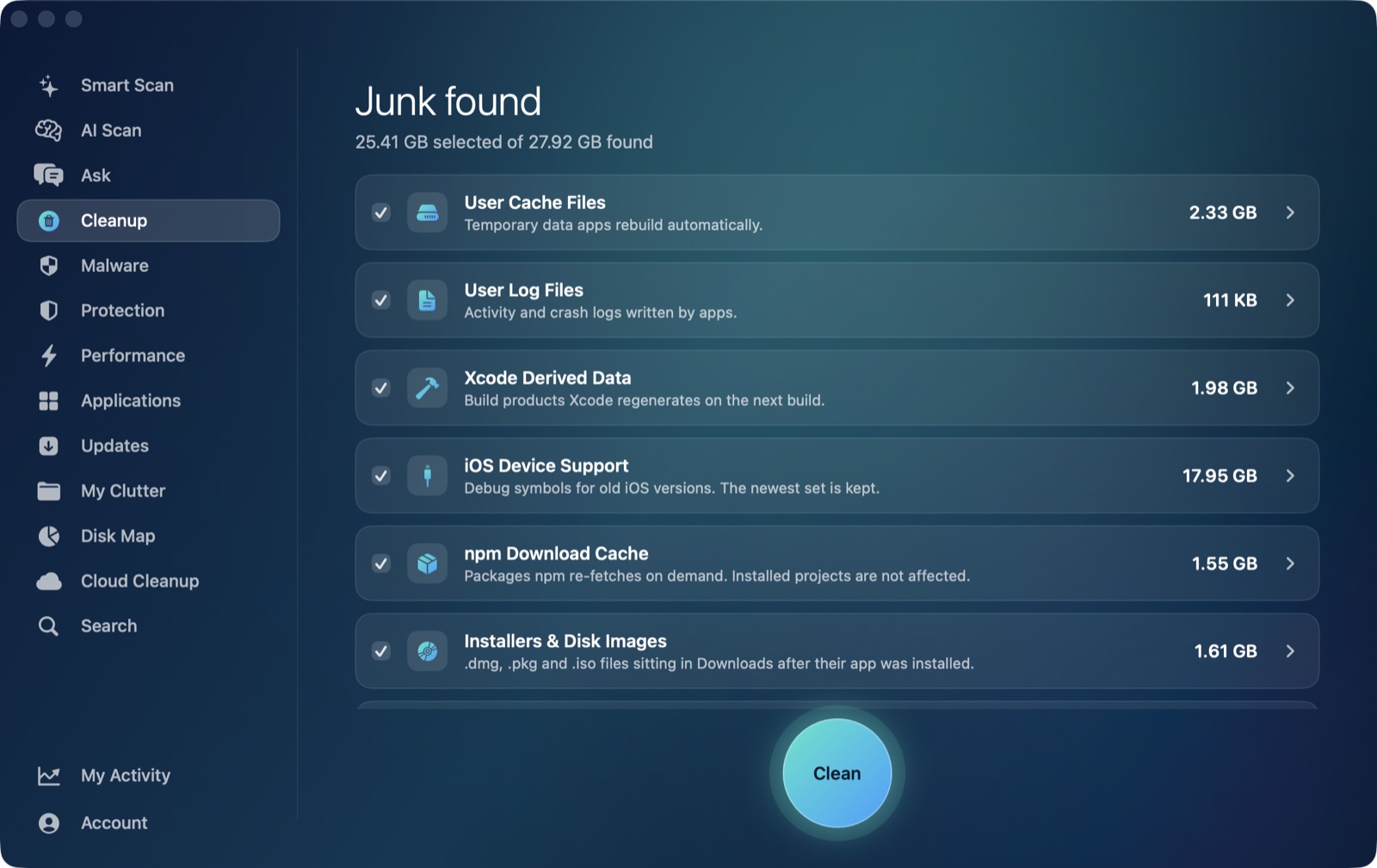
AI Mac Cleaner's Cleanup module treats ~/Library/Caches/pip the same way it treats npm's cache and Homebrew's — an auto-offered developer-junk category, sized alongside Xcode DerivedData, old iOS Device Support and Simulator caches so you can see which one is actually large on your Mac before clearing anything. Because it's auto-offered rather than review-only, removal still goes through the app's Trash-only remover: nothing is deleted directly, so a cache you cleared can still be pulled back out of the Trash if you change your mind before emptying it — not that you'd usually need to, since pip rebuilds it automatically either way.
AI Mac Cleaner has a 7-day free trial with every feature unlocked and no card required, plans from $6.99/mo after. For the same story with other package managers, see the npm cache clean command on Mac.
Frequently asked questions
Where exactly is pip's cache on a Mac?
~/Library/Caches/pip by default. Run pip cache dir in Terminal to see the exact path pip is actually using on your machine, since it can be overridden.
Does clearing pip's cache delete packages I've already installed?
No. Installed packages live inside each virtual environment's own site-packages folder, separate from pip's shared download cache. Clearing the cache only means the next install of each package has to download (and possibly rebuild) it again.
Does deleting a virtual environment also clear pip's cache?
No — rm -rf on a venv removes that environment's installed packages, but pip's cache is a separate, shared store that every venv draws from. It keeps growing across venvs you've long since deleted.
How do I check how big pip's cache actually is before clearing it?
pip cache info prints the current size and number of cached wheels without removing anything, so you can see whether it's actually worth clearing before running pip cache purge.
Is there a way to clear just one package's cache instead of everything?
Yes — pip cache remove <package-name> clears only that package's cached files, useful if one large dependency is responsible for most of the size and you don't need the rest cleared.