 AI Mac Cleaner
Homebrew Cache Clear on Mac: Get Back Disk Space
Every brew install and upgrade leaves cached downloads behind in ~/Library/Caches/Homebrew, often 5-10GB after a couple of months. Here's the safe `brew cleanup` command and how a general cache cleaner handles the rest.
If you've used Homebrew for any length of time, every brew install and brew upgrade you've run has left something behind: a cached download, an old version it replaced, a bottle it no longer needs. None of it is visible unless you go looking, and it adds up — accounts from Homebrew's own cleanup documentation and third-party guides alike put the typical buildup at somewhere around 5–10GB after a couple of months of regular use, though it varies a lot by how many formulae and casks you install. Here's where it lives, the right command to clear it, and where it fits next to the rest of a Mac's developer junk.
Where Homebrew's cache actually lives
Run brew --cache in Terminal and it prints the exact path — typically ~/Library/Caches/Homebrew. Every formula and cask Homebrew installs or upgrades downloads a tarball (often a .bottle.tar.gz, a precompiled binary Homebrew prefers over building from source) into that folder, and Homebrew doesn't delete it automatically the moment the install finishes. Old versions you've since upgraded past pile up the same way, since Homebrew keeps them around in case you need to roll back.
To see exactly how much space it's using before doing anything: du -sh "$(brew --cache)".
The right command: brew cleanup
- Preview first.
brew cleanup --dry-run(or the shorterbrew cleanup -n) lists exactly what would be removed without touching anything — worth running once so you know what you're about to clear. - Run it. Plain
brew cleanupremoves old versions of formulae you've upgraded past, cached download tarballs for things Homebrew no longer needs, and other stale files it's confident are safe to clear. - Go further if needed.
brew cleanup -sscrubs more aggressively, clearing more of the cached downloads while still keeping downloads for whatever's currently installed — a reasonable next step if the plain version didn't free as much as you expected. - Cask cleanup is covered too. Modern Homebrew handles cask-managed app downloads through the same
brew cleanupcommand; runningbrew cleanup -nfirst will show you if anything cask-related is on the list.
Homebrew also runs cleanup automatically after upgrades and periodically on its own (by default every 30 days, unless you've set HOMEBREW_NO_INSTALL_CLEANUP), and by default only removes downloads and old versions older than 120 days — a setting HOMEBREW_CLEANUP_MAX_AGE_DAYS can change if you want it more or less aggressive. That means a lot of Mac users running Homebrew regularly never see the buildup this post is about; it's the ones who install occasionally, or who've turned off automatic cleanup, where it quietly grows.
The one thing worth being careful about: if you rely on a specific old version or cached bottle for offline installs, brew cleanup will remove it. Running the dry-run first is the way to check before you lose something you actually wanted to keep.
Where a general Mac cleaner fits
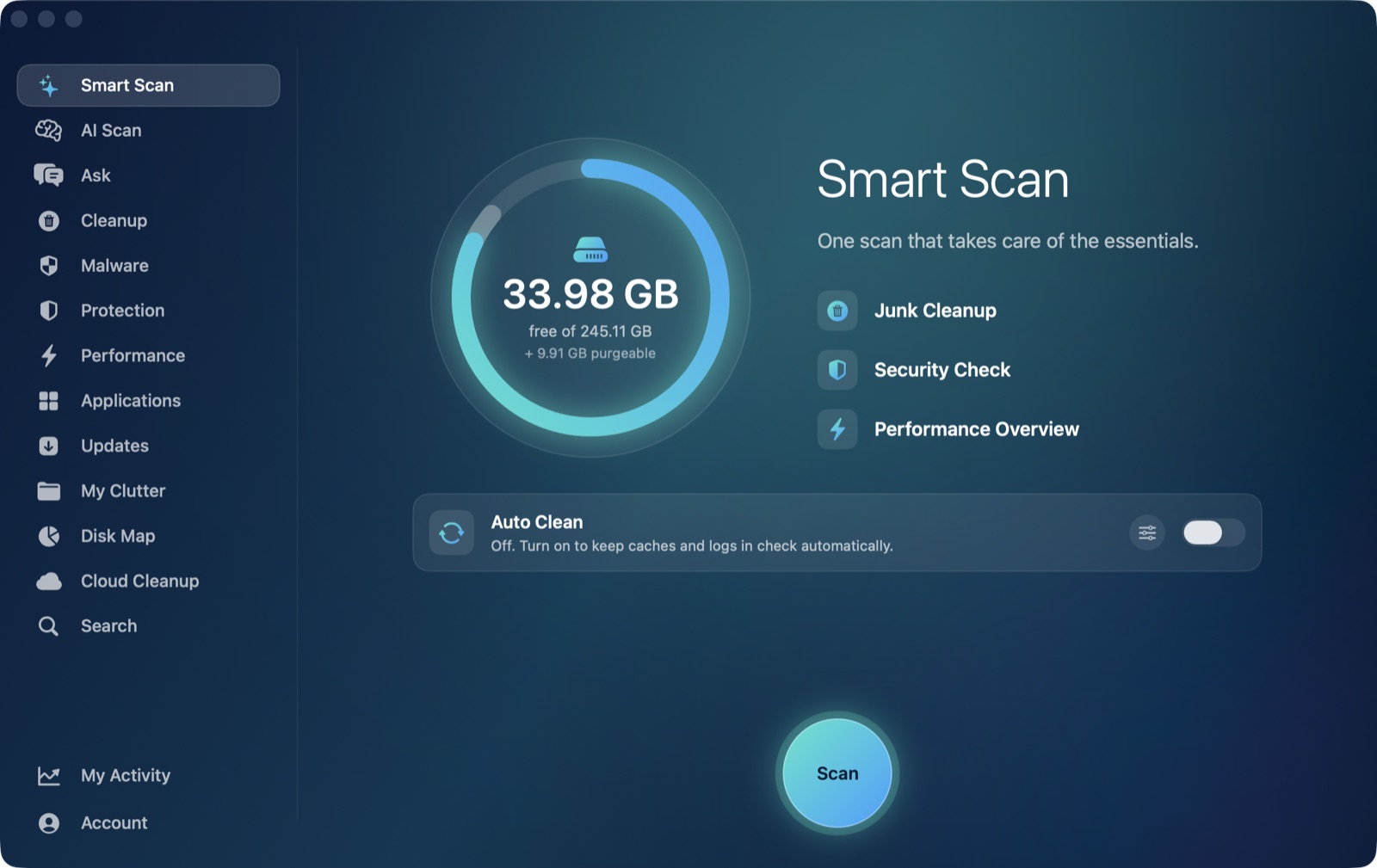
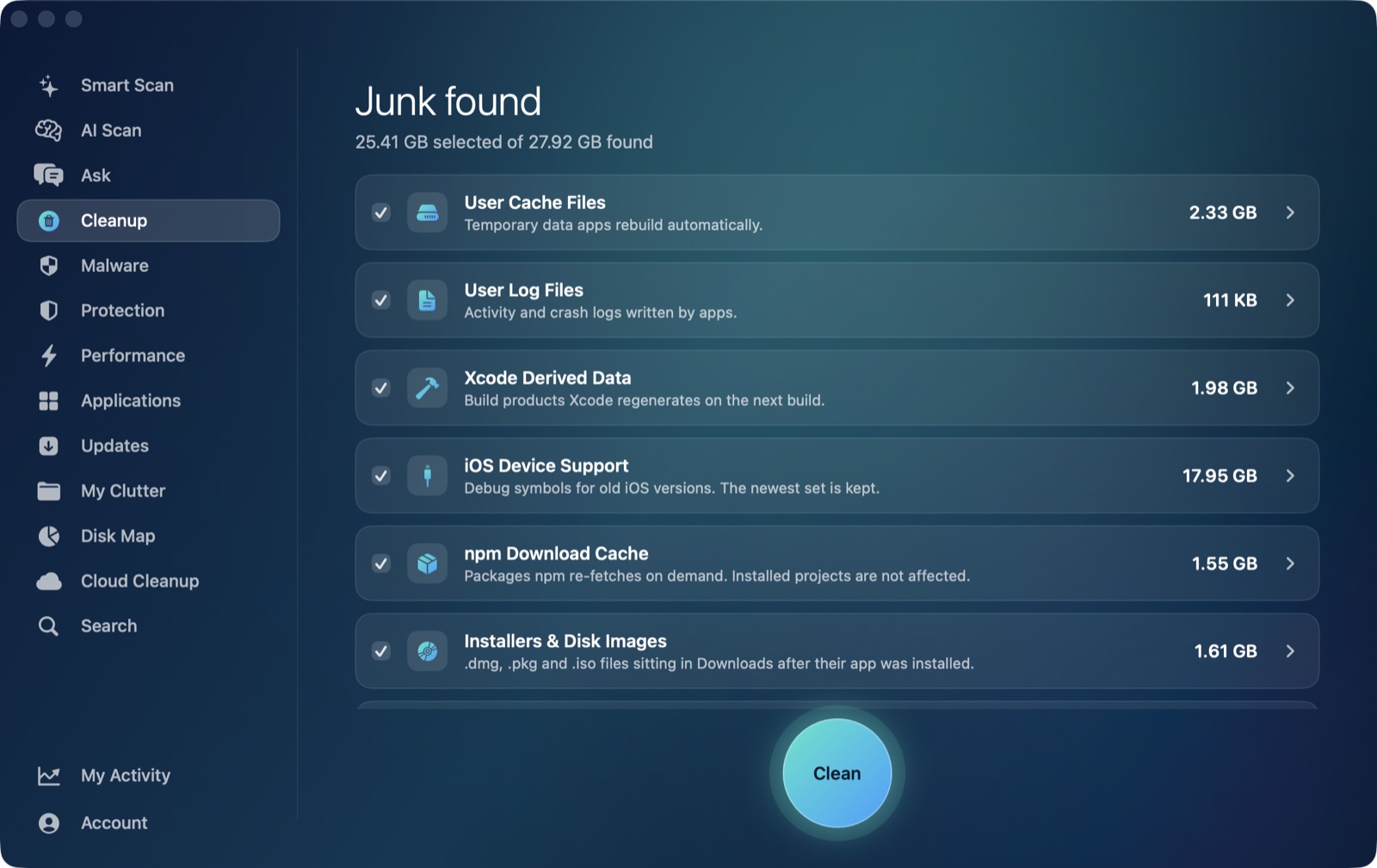
Homebrew's cache sits directly under ~/Library/Caches — the same standard location CocoaPods uses, and the same one covered by AI Mac Cleaner's Cleanup module in its User Cache Files category, which sweeps direct children of that folder as part of a routine pass across every app that keeps a cache there. It isn't aware of formula names, bottle versions, or Homebrew's own 120-day retention logic the way brew cleanup is, but it does see Homebrew's folder size and includes it in the sweep, the same way it would for Chrome's or Slack's cache.
The two tools genuinely complement each other rather than duplicating one another: brew cleanup understands what's safe to remove with Homebrew's own install state in mind — it knows which versions you've upgraded past and won't touch a bottle a currently-installed formula still depends on. A general cache sweep doesn't have that context; it's a blunter, broader pass that happens to catch Homebrew's cache along with everything else. For a Mac you use Homebrew on regularly, running brew cleanup yourself periodically is still the more precise tool for that one job.
Homebrew shows up elsewhere in AI Mac Cleaner, too
Worth knowing if you use both: AI Mac Cleaner's Updates module checks brew outdated --cask as one of its sources for finding newer versions of apps you've installed, alongside each app's own Sparkle appcast and App Store receipts. That's a separate feature from cache cleanup — it's about knowing what's out of date, not about clearing downloaded files — but it means Homebrew users get some benefit from the app beyond just the general caches sweep.
For the other developer-junk caches that follow the same general pattern — regenerable, safe to clear, easy to forget about — see clearing CocoaPods cache and clearing Gradle's cache, which covers a cache that, unlike Homebrew's, lives outside the standard caches folder entirely and needs a different approach.
To clear Homebrew's cache along with everything else that's built up under ~/Library/Caches in one pass, sized and listed before anything moves, AI Mac Cleaner has a 7-day free trial with every feature unlocked, no card required, and plans from $6.99/mo after that.
Frequently asked questions
Where is Homebrew's cache on a Mac?
Run brew --cache to get the exact path — typically ~/Library/Caches/Homebrew. It holds downloaded tarballs and old versions of formulae and casks you've installed or upgraded.
Is brew cleanup safe to run?
Yes, for the plain version. It removes old versions you've already upgraded past and cached downloads Homebrew no longer needs. Run brew cleanup --dry-run first if you want to see exactly what it would remove before committing.
Why does Homebrew's cache get so large if cleanup runs automatically?
Automatic cleanup only runs periodically (every 30 days by default) and only removes downloads and old versions older than 120 days by default. If you install Homebrew packages occasionally rather than constantly, or have disabled automatic cleanup, the cache can grow well past what those defaults would have caught.
Does AI Mac Cleaner clear Homebrew's cache specifically?
Not as a dedicated Homebrew-aware category — it has a general User Cache Files category that sweeps ~/Library/Caches, which includes Homebrew's cache folder since that's where Homebrew keeps it. It doesn't understand formula versions or Homebrew's retention rules the way brew cleanup does.
Does clearing Homebrew's cache affect my installed packages?
No. Everything in the cache is a downloaded copy of something Homebrew re-fetches on demand; clearing it doesn't touch anything currently installed. The only cost is re-downloading a tarball if you install or upgrade that exact formula again later.