 AI Mac Cleaner
How to Uninstall WhatsApp Completely on a Mac
Dragging WhatsApp to the Trash leaves your chat database, media cache and settings behind in Group Containers — and one of those folders holds your actual message history. Here's how to remove it properly.
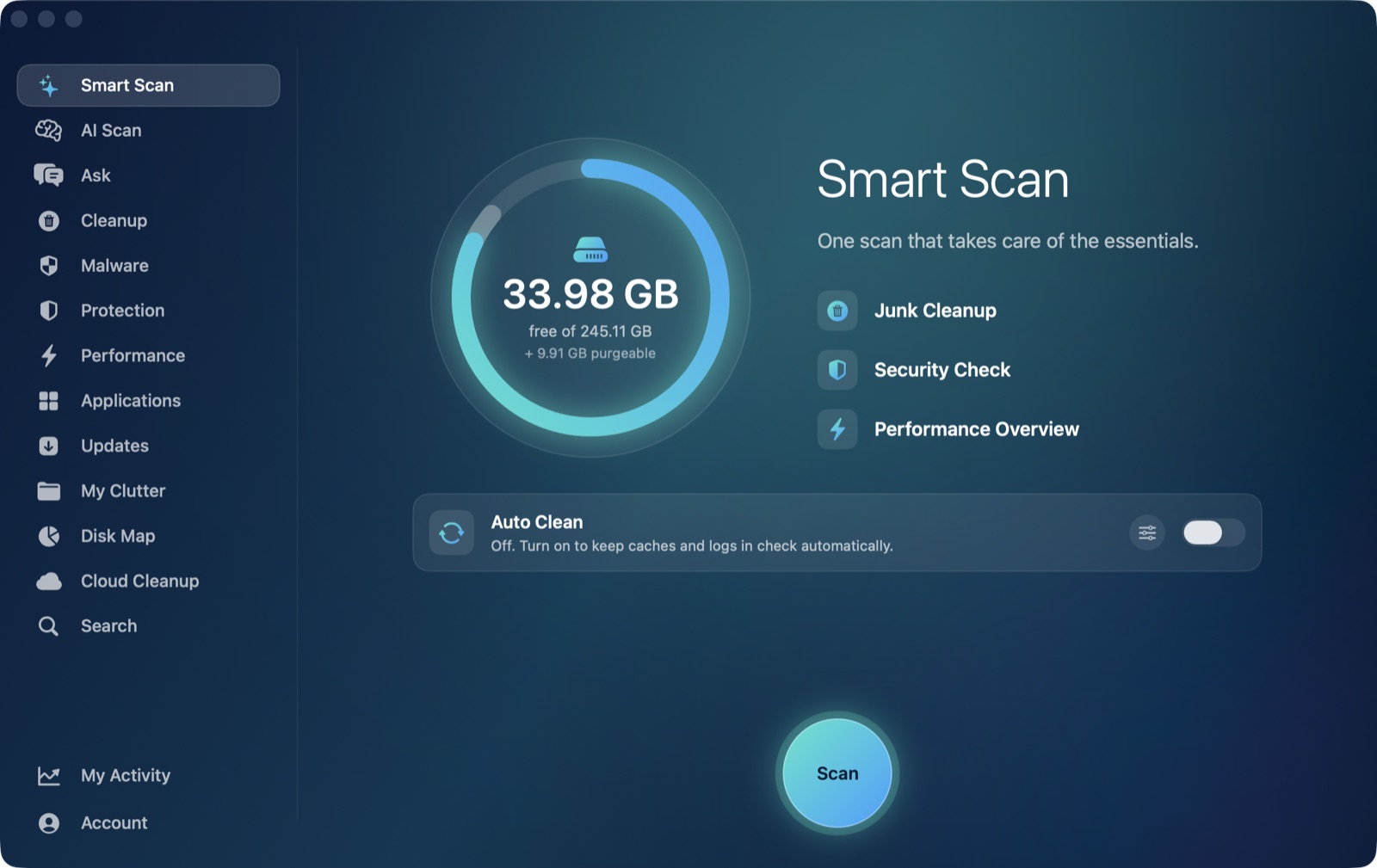
Dragging WhatsApp from /Applications to the Trash removes the app, but it leaves real data behind — and unlike most apps' leftovers, which are just caches and settings you'd never miss, one of WhatsApp's leftover folders can hold your actual chat history and media. That makes this one worth doing a little more carefully than a typical app removal.
Why the app bundle isn't where WhatsApp actually lives
Like most Mac apps, WhatsApp is really two things: the program in /Applications, and a set of folders it writes to under ~/Library while it's running and syncing with your phone. Deleting the app bundle only removes the first part. The second part — where WhatsApp's own data actually sits — is split across a few standard macOS locations, the same pattern almost any app follows, plus one location that's specific to WhatsApp's design.
Where WhatsApp's data actually lives
~/Library/Group Containers/— look for folders starting withgroup.net.whatsapp.WhatsApp. This is the one to treat carefully: it's where WhatsApp for Mac stores your local chat database and cached media (photos, videos, voice notes sent or received), since the Mac app mirrors a subset of your conversation history from your phone rather than running fully independently.~/Library/Caches/— anet.whatsapp.WhatsAppcache folder holding temporary data the app regenerates on its own. Always safe to clear.~/Library/Application Support/— app-level settings and configuration separate from the chat data in Group Containers.~/Library/Preferences/— a small.plistfile: window state, notification settings, your linked-account state.~/Library/Logs/— diagnostic logs from the app's own background syncing process.
This is the same four-or-five-folder shape covered for Dropbox's leftovers and Zoom's — the folders themselves are standard macOS locations almost every app uses; what's specific to WhatsApp is which one of them doubles as a real data store rather than disposable cache.
The part that's genuinely different: back up your chats first
WhatsApp for Mac works as a linked device off your phone, not a fully independent account — your phone (and WhatsApp's end-to-end-encrypted cloud or local backup, if you've set one up) is the actual source of truth for your conversation history, not the Mac app. Still, the Group Containers folder on your Mac can hold a meaningful local copy of recent chats and media, so before clearing it:
- Confirm your phone's WhatsApp is working normally and signed into the same account — that's where your real history lives.
- If you use WhatsApp's chat backup (to Google Drive or iCloud, set up on your phone), confirm it's recent before removing anything from the Mac side.
- Only then clear the Mac's Group Containers folder, if you're removing WhatsApp for good rather than just reinstalling it.
If you're just planning to reinstall WhatsApp for Mac later and stay logged in via the same linked-device flow, there's less urgency here — a fresh install re-syncs from your phone regardless. The backup step matters most if you're walking away from WhatsApp on this Mac entirely and want to be sure nothing local-only gets lost in the process.
How AI Mac Cleaner handles the app-leftover side
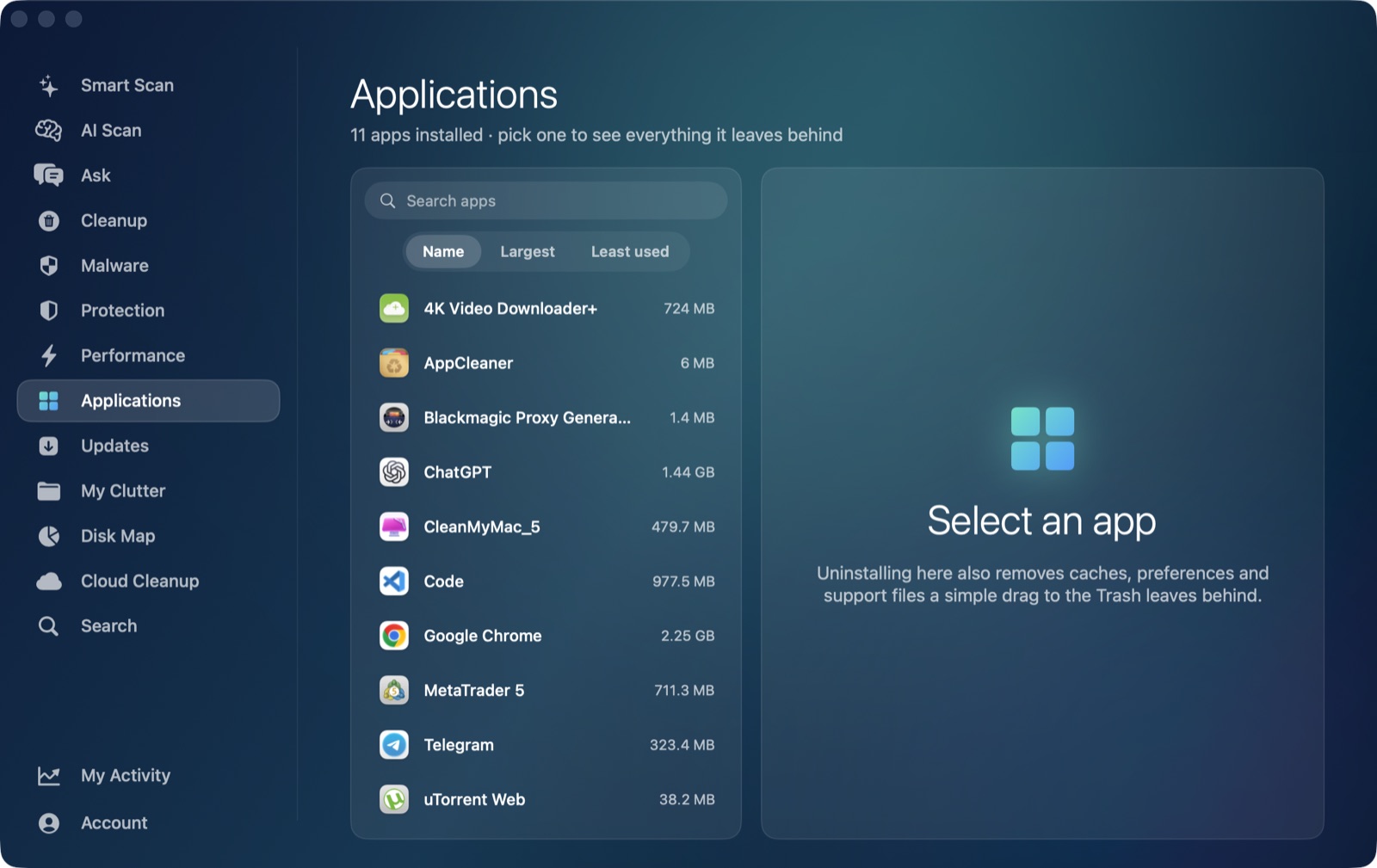
AI Mac Cleaner's Applications module is a general uninstaller that also finds an app's leftovers in ~/Library — point it at WhatsApp and it matches on the app's own bundle identifier rather than guessing from the display name, so it won't catch some unrelated app that happens to share part of the word "WhatsApp." You see exactly what it found — preferences, caches, support data, logs, and yes, the Group Containers folder — listed before anything moves, and nothing in the app ever goes to Applications, itself, or Claude's own data by design (those are explicitly excluded from what the module will ever list).
It's worth being direct about what that means for the Group Containers folder specifically: the module will surface it as a leftover like any other, but it has no way to know whether your chats are backed up elsewhere — that's a judgment call only you can make, which is exactly why everything the app removes goes to the Trash, not straight to permanent deletion. If you clear it and realize a moment later you needed something from it, it's still recoverable from the Trash until you empty it on purpose.
The order that makes sense
If you're removing WhatsApp for good: confirm your phone and any chat backup are current first, then uninstall the app and clear its ~/Library leftovers — Group Containers included — with the Applications module. Doing the backup check after you've already cleared Group Containers defeats the point of checking at all.
AI Mac Cleaner has a 7-day free trial with every feature unlocked and no card required, plans from $6.99/mo after.
Frequently asked questions
Does deleting the WhatsApp app from Applications remove my chat history?
Not immediately — the app bundle and your chat data are stored separately. Your conversation history on the Mac lives in a Group Containers folder under ~/Library, which stays behind until you clear it separately, and your phone remains the actual source of truth for your WhatsApp account either way.
Is it safe to delete the WhatsApp Group Containers folder?
It's safe once you've confirmed your chats are available elsewhere — on your phone, and in WhatsApp's own chat backup if you use one. It isn't a disposable cache the way the Caches folder is, so it's worth that one check first, unlike the rest of WhatsApp's leftovers.
Will reinstalling WhatsApp bring my chats back?
Reinstalling and linking the Mac app to your phone again re-syncs recent conversations through WhatsApp's own linked-device flow. It doesn't depend on the old Group Containers folder still being present, since your phone is the actual source for that sync.
Does AI Mac Cleaner have a dedicated WhatsApp uninstaller?
Not a WhatsApp-specific one — its Applications module is a general uninstaller that finds any installed app's leftovers in ~/Library by matching the app's bundle identifier, the same way it covers Dropbox, Zoom, Slack or any other app.
Are WhatsApp's leftover files deleted permanently when I remove them?
No — AI Mac Cleaner moves everything it removes to the Trash first, never straight to permanent deletion, so a mistaken removal stays recoverable until you choose to empty the Trash.