AI Mac Cleaner
mdworker High CPU on Mac: What It Is and When to Worry
mdworker is Spotlight indexing your files in the background. It's supposed to spike briefly — the question is why it's still pinned an hour later, and what to exclude so it doesn't happen again.
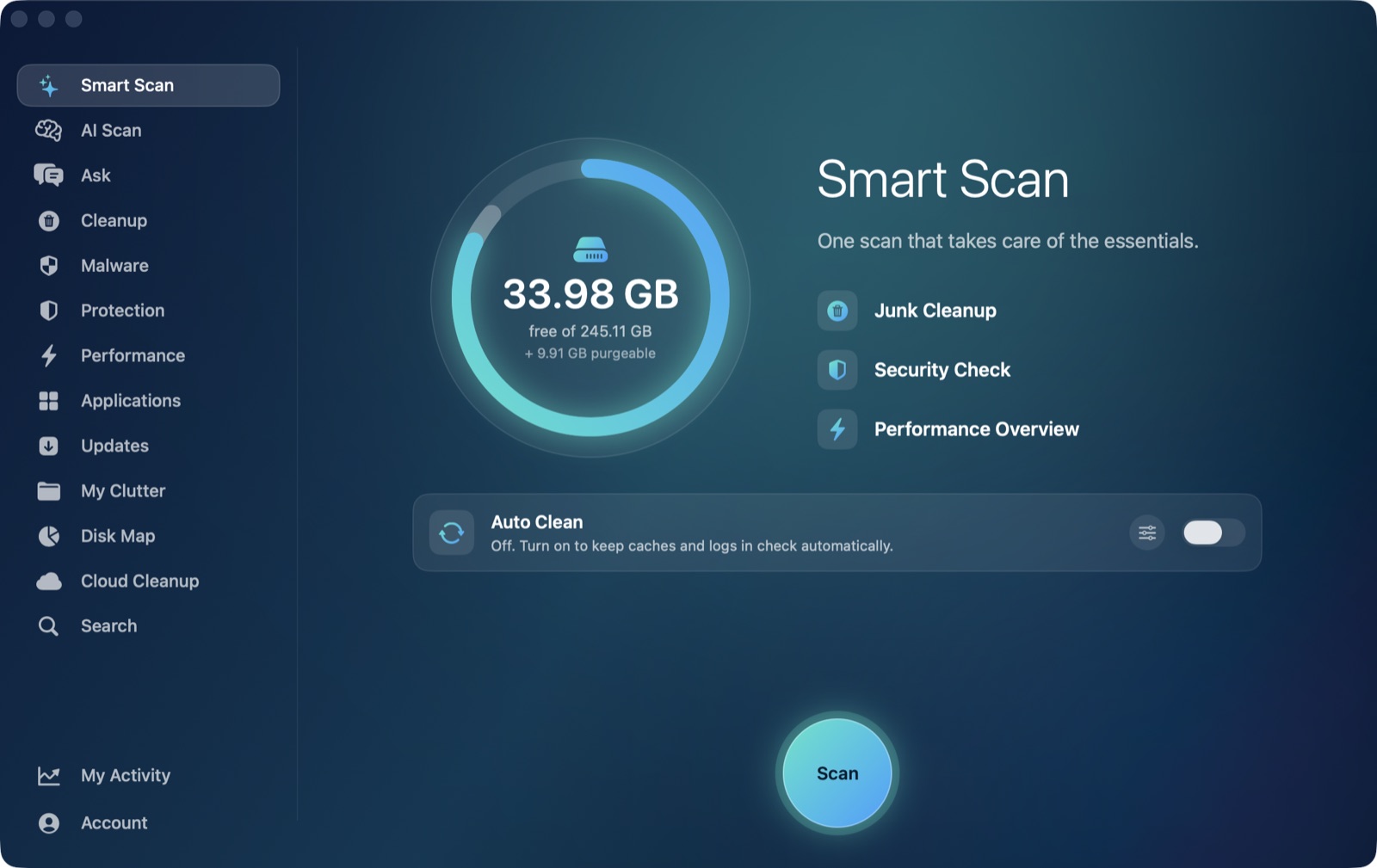
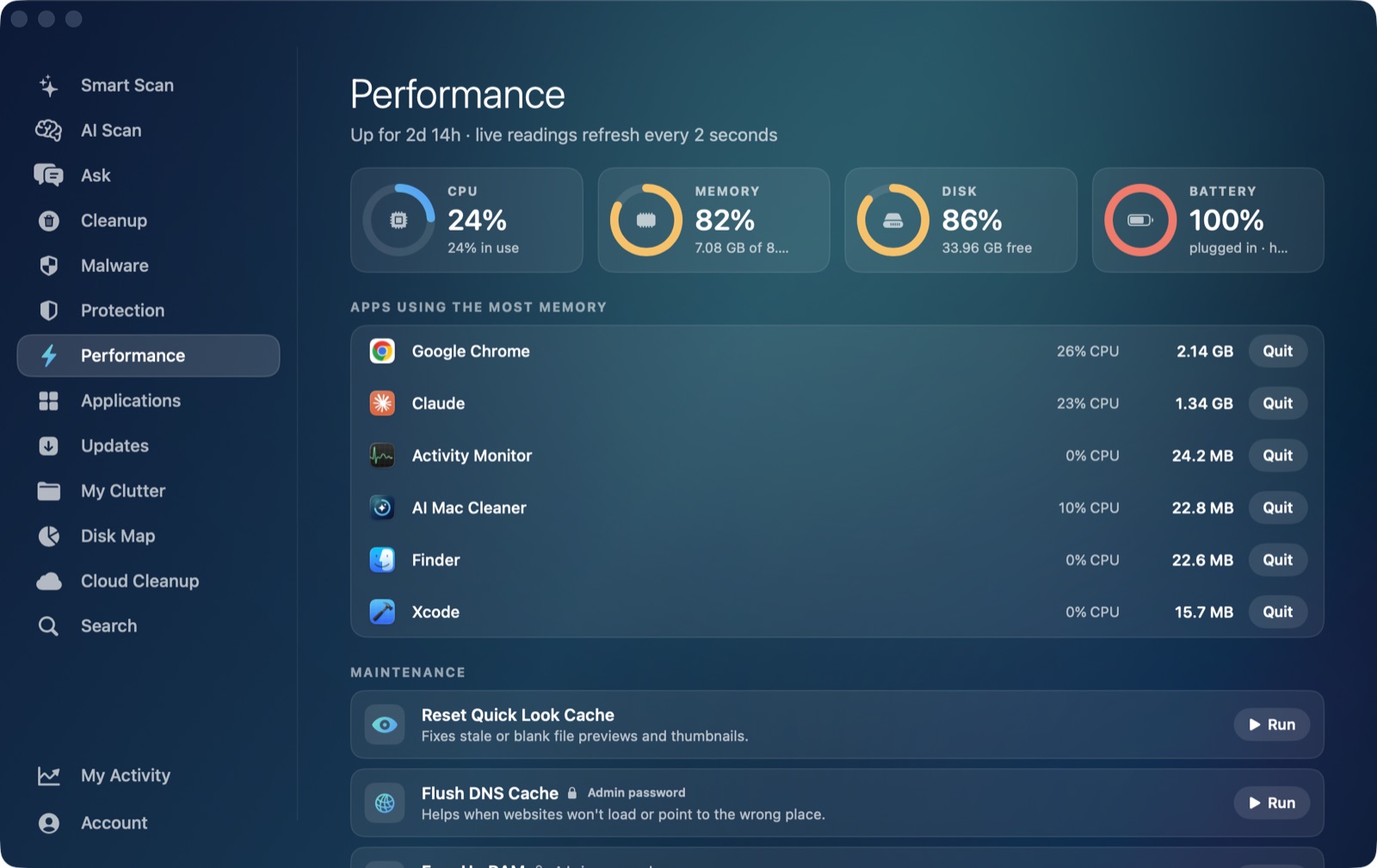
If Activity Monitor or a live performance view shows mdworker (sometimes listed as mdworker_shared) pinned near the top of the CPU list, that's Spotlight indexing your files — building the behind-the-scenes database that makes Spotlight search, Siri suggestions and Finder tags work instantly. It's meant to run and it's meant to use real CPU while it does. The useful question is whether it's running for a reasonable reason, or whether it's stuck.
What mdworker is actually doing
Every file on your Mac that Spotlight can search — documents, photos, emails, PDFs, code, app metadata — gets scanned and added to an index so a search returns results instantly instead of scanning your whole disk each time you type. mdworker processes are the workers that do that scanning, and macOS runs several of them in parallel when there's a lot to get through.
Why it spikes, and when that's normal
mdworker using high CPU for a while is expected right after:
- A macOS update. Spotlight often rebuilds parts of its index after a system update, which can take anywhere from several minutes to an hour or more depending on how much data you have.
- Restoring from a backup, or connecting a new or external drive. A fresh volume means a fresh index from scratch.
- A large file operation — unzipping a big archive, a cloud-sync folder finishing a huge download, or moving a large folder tree.
- Changing Spotlight's privacy exclusions. Removing a folder from the exclusion list makes Spotlight go index everything in it that it previously skipped.
In all of these cases, mdworker should settle back down once it finishes. You can check progress via the small Spotlight magnifying-glass icon in the menu bar, which shows "Spotlight is indexing" while it's actively working, or run mdutil -s / in Terminal to see the indexing status directly.
When it's actually stuck
If mdworker has been pinned high for several hours with no large file change to explain it, and the menu bar icon no longer shows "indexing," something's likely stuck rather than legitimately busy — often triggered by a corrupted index or a folder with huge numbers of small files (a node_modules tree, a Time Machine local snapshot, a giant mailbox) that Spotlight keeps trying and failing to fully process.
The direct fix is to rebuild the index for the affected volume:
sudo mdutil -E /
This erases and rebuilds the index from scratch — expect CPU usage again for a while afterward, which is the intended, one-time rebuild rather than a repeat of the stuck state.
Excluding folders that don't need to be searchable
For folders you'll never actually search by content — build caches, package manager folders, node_modules, Docker's virtual disk — the better fix is to stop Spotlight indexing them at all: System Settings → Siri & Spotlight → Spotlight Privacy, and add the folder. This both saves the CPU time and keeps the index smaller and faster for everything you do want to search.
Where AI Mac Cleaner fits in
AI Mac Cleaner's Performance module shows mdworker in the same live, ranked heaviest-apps view as everything else using CPU right now, so you can see at a glance whether it's still climbing, holding steady, or already settling — useful for telling "normal and will finish shortly" from "still pinned an hour later" without reopening Activity Monitor each time to check. Separately, the app's Cloud Cleanup and My Clutter modules can show you which folders are actually large, which is often the same place worth adding to Spotlight's exclusion list if you never search its contents by name.
AI Mac Cleaner has a 7-day free trial with every feature unlocked and no card required, plans from $6.99/mo after. See what else it checks, or read more on finding a high-CPU app generally.
Frequently asked questions
Is mdworker using high CPU dangerous or a sign of malware?
No — mdworker is Apple's own Spotlight indexing process, not something that was installed on you. It's normal for it to use real CPU during indexing; the thing to watch for is whether it ever actually finishes, not that it ran at all.
How long should Spotlight indexing take?
It depends entirely on how much data there is to index — a few minutes after a small change, up to an hour or more after a macOS update or restoring a large backup. The menu bar Spotlight icon tells you whether it's still actively indexing.
What does mdutil -E / do, and is it safe?
It erases Spotlight's index for the given volume and tells macOS to rebuild it from scratch. It's a standard Apple command, safe to run, and the expected result is a burst of mdworker CPU usage again while the rebuild happens — a one-time cost to clear a stuck state.
Can I just force-quit mdworker instead?
macOS restarts it automatically since indexing is a system service, so force-quitting it doesn't actually stop the work — it just restarts the same job. Excluding the folder that's causing the problem, or rebuilding the index, addresses the actual cause instead.
Which folders are worth excluding from Spotlight?
Anything you'll never search by file content and that has huge numbers of small files: package manager caches, node_modules, build output folders, and virtual disk images like Docker's. These add indexing load without adding anything useful to search results.