 AI Mac Cleaner
Is CleanMyMac Safe to Use on Your Mac?
CleanMyMac is a real, notarized app from MacPaw — not malware. The actual question worth asking is different: whether its specific cleanup suggestions are right for your files, and that's a checklist, not a yes/no.
"Is CleanMyMac safe" turns up constantly in Mac forums, and it's worth separating two very different questions buried inside it: is this a legitimate program, or is it malware wearing a cleaner's clothes — and separately, is it actually a good idea to let any cleaner, this one included, delete the things it finds. Those have different answers, and conflating them is how the doubt-first search ends in either unnecessary fear or unearned trust.
Is CleanMyMac itself legitimate?
Yes. CleanMyMac is a real commercial product from MacPaw, a Ukraine-based software company with a long public track record, and the app is Apple-notarized — meaning Apple has checked it for known malware signatures and that it hasn't been tampered with since signing. It's distributed through MacPaw's own site, the Mac App Store, and Setapp, three legitimate channels. None of that is in serious dispute in the threads and reviews that discuss it; the skepticism people express is almost never "this is secretly a virus."
Where the real caution belongs is sourcing: a notarized, legitimate app downloaded from a mirror site, a cracked-installer forum, or a bundled "free download manager" is a different file entirely from the same app downloaded from MacPaw, the App Store, or Setapp directly — and that's true of essentially every well-known Mac utility, not something specific to CleanMyMac. If you've seen "CleanMyMac" mentioned next to actual malware, it's almost always in that bundled-installer context, or confused with a similarly-named knockoff — AI Mac Cleaner's own malware scanner carries a signature for exactly this pattern, flagging cracked-installer indicators as adware regardless of which legitimate app's name got attached to them.
The actual disagreement: does the category of app help or hurt
Once "is it malware" is settled, the live debate is really about Mac cleaners as a category, and CleanMyMac specifically gets cited on both sides of it. The skeptical view, repeated across independent guides and a widely-upvoted Apple Community thread, is that macOS already surfaces large files and some cache-clearing through its own Storage settings, that most slowdowns trace to RAM pressure or too many login items rather than clutter a cleaner would find, and that cleaner apps in general have a reputation — fair or not — for being too aggressive about what they flag as safe to remove.
The counterargument, from the same threads, is that a cleaner only finds and lists candidates — it doesn't delete anything until you confirm — and that the real risk in practice is a careless click through a confirmation dialog, not the software itself. People reporting years of trouble-free use with real space recovered exist right alongside people who got burned by clicking "clean" without reading what was selected. Both experiences are real; they're describing different behaviors, not different apps.
So what should actually decide whether you trust it
MacPaw's own position, echoed by independent reviewers, is reasonable as far as it goes: notarization confirms the app is authentic, not that every suggestion it makes is right for your specific Mac. That's the actual checklist worth applying — to CleanMyMac or any cleaner, including this one:
- Does it delete to the Trash, or outright? Trash-first means a mistaken click is recoverable; outright deletion isn't.
- Are risky categories pre-selected, or do you have to opt in? Things like old backups, virtual machine disks, or app leftovers for software you might still want are the categories where a pre-ticked checkbox causes real regret.
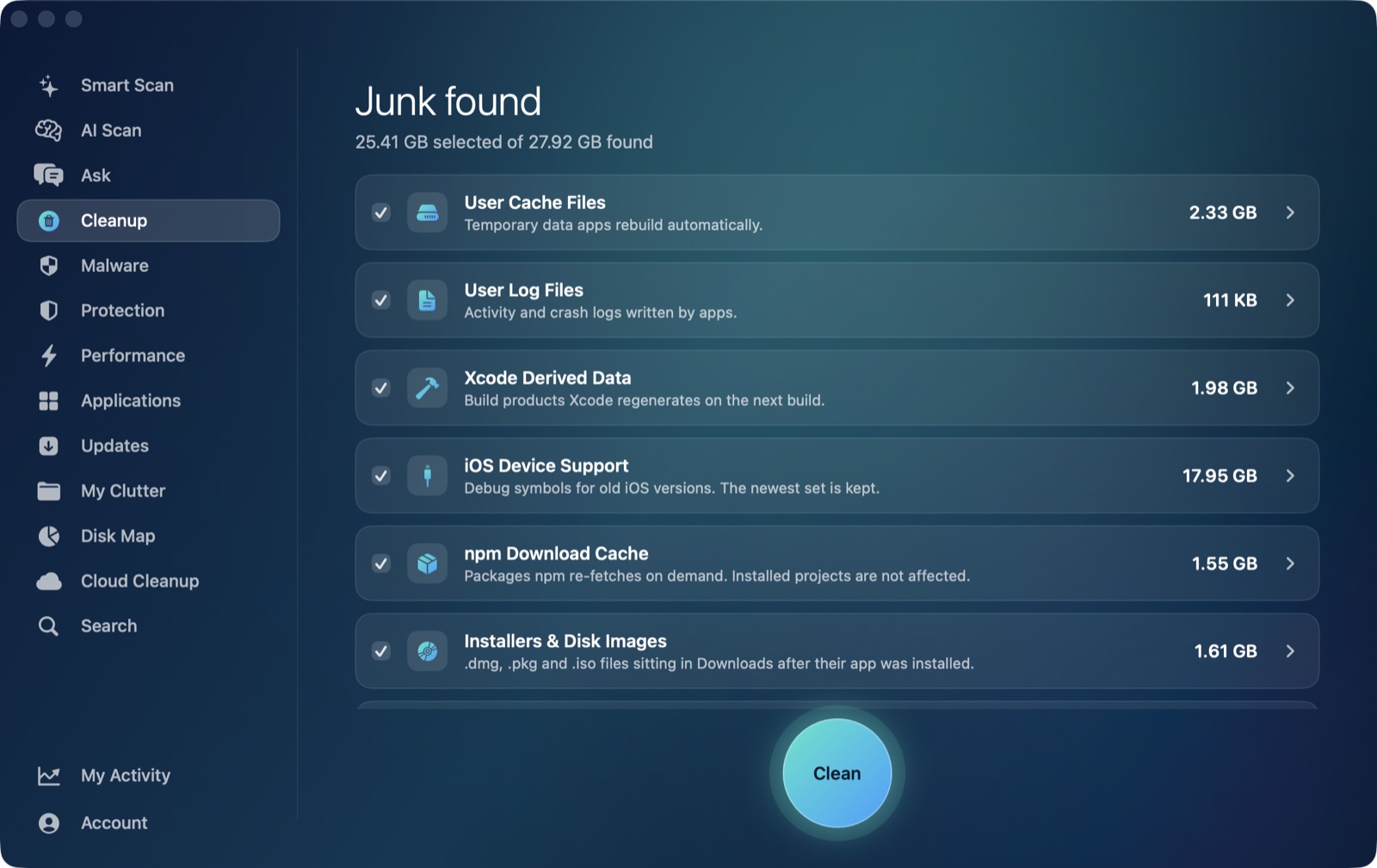
- Does it show sizes and a list before anything happens? A cleaner that acts first and explains after isn't one you should trust with a first run, let alone an unattended one.
- Where does its AI, if it has one, actually run? A cleaner that explains findings using a cloud AI service is sending some description of your file system somewhere; one using on-device processing isn't.
Where AI Mac Cleaner answers that same checklist for itself
Rather than argue the category in the abstract, here's what AI Mac Cleaner specifically does, since it's built around answering exactly the trust question above:
- Nothing is ever deleted outright. Every removal goes through one function,
FileRemover, which moves files to the macOS Trash — the only permanent deletion is Empty Trash, and that's a step you take yourself. - A hard-coded protected-path list keeps every scan out of your home folder, Documents and iCloud Drive, regardless of what it finds there.
- Review-only categories are never pre-ticked: iPhone backups, Docker disk images, virtual machine files, archives in Downloads,
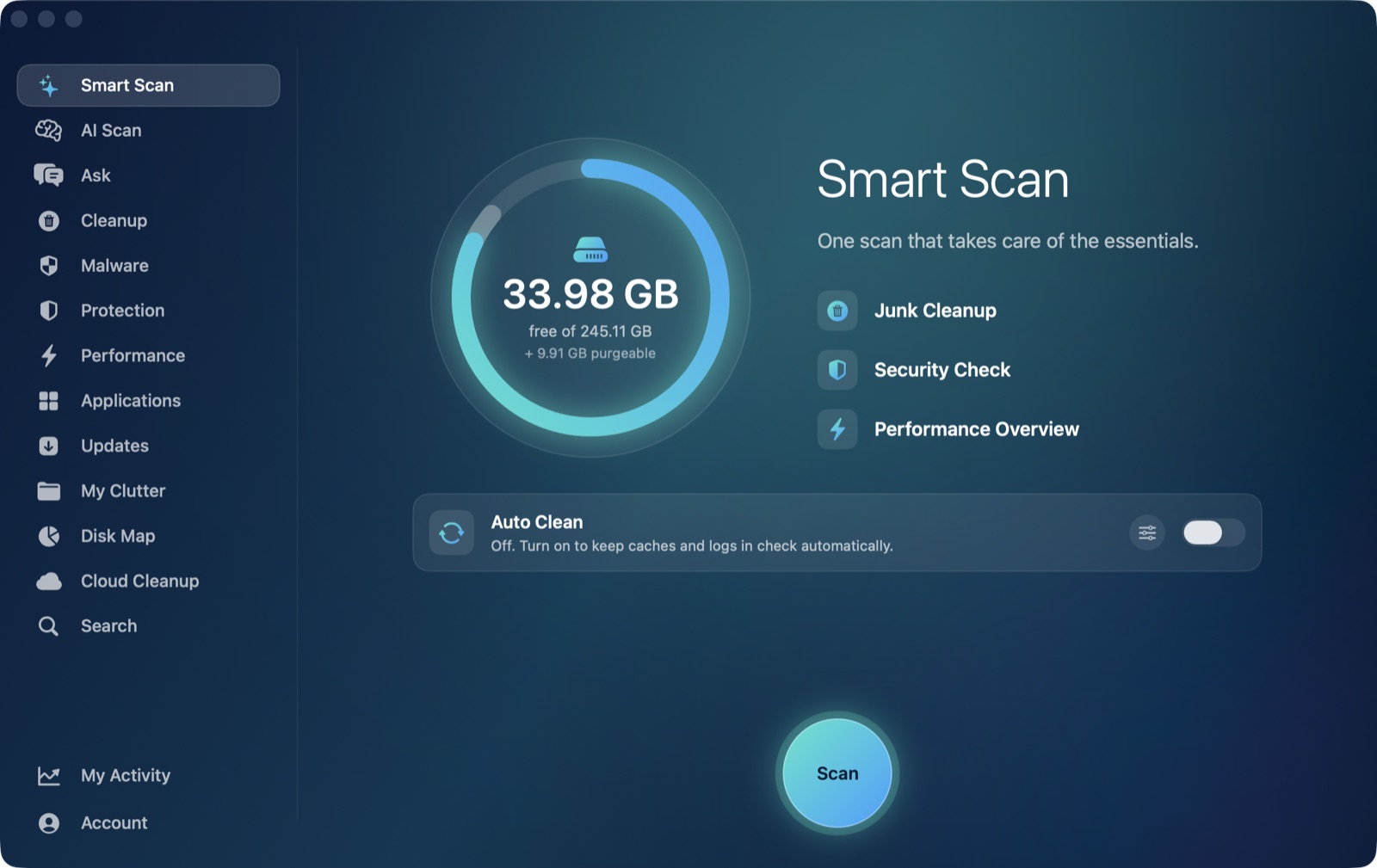
node_modulesfolders, and leftovers of apps you've already deleted all show their size and wait for you to decide. - AI Scan's explanations run on Apple's own on-device FoundationModels, not a cloud service — nothing about your files leaves your Mac to generate them, and when Apple Intelligence isn't available it falls back to a clearly-labelled rule-based summary rather than quietly pretending to still be AI.
- Scanning stays free forever, with cleaning capped at 500MB total on the free plan; a 7-day trial with no card required unlocks everything, and paid plans start at $6.99/month, $49.99/year or $199 as a lifetime purchase for one Mac.
For the fuller feature-by-feature comparison against CleanMyMac specifically — pricing, editions, and what each app auto-offers — see our CleanMyMac alternative write-up. If the question on your mind is really about the whole category rather than one app, Is a Mac cleaner app worth it? covers that debate directly.
AI Mac Cleaner has a 7-day free trial with every feature unlocked and no card required, plans from $6.99/mo after.
Frequently asked questions
Is CleanMyMac a virus or malware?
No. It's a legitimate, Apple-notarized commercial product from MacPaw, distributed through MacPaw's own site, the Mac App Store, and Setapp. Confusion with malware almost always traces back to a bundled or cracked-installer download from an unofficial source, or a similarly-named knockoff app — not the real product itself.
Why do people say CleanMyMac is "unsafe" then?
Mostly as shorthand for a different concern: whether a cleaner's specific suggestions — like clearing a cache it shouldn't, or flagging something you still need — are right for your Mac. That's a question about any cleaner's design and your own review habits, not evidence the app itself is malicious.
Is it safe to download CleanMyMac?
Yes, from MacPaw's own site, the Mac App Store, or Setapp. As with any well-known Mac utility, avoid mirror sites, "free download" bundlers, or cracked-installer forums — those can carry something unrelated bundled alongside a legitimate app's name.
How is AI Mac Cleaner different on the safety question specifically?
The core difference isn't legitimacy — both are notarized, legitimate products — it's workflow: AI Mac Cleaner never pre-selects risky categories (Docker images, VMs, node_modules, app leftovers) and routes every removal through the Trash with a hard-coded protected-path list, so a confirmed click is still recoverable.
Should I use a Mac cleaner at all?
It depends on what you actually need from one — macOS's own Storage pane already handles basic large-file surfacing. A cleaner earns its place for things that pane doesn't do well: developer caches, app leftovers after uninstalling, and seeing exactly what's in a folder before deciding what to do with it. See Is a Mac cleaner app worth it? for the fuller case on both sides.
See the safer workflow for yourself. Start the free 7-day trial — every feature unlocked, no card required. Plans start at $6.99/mo (yearly $49.99, lifetime $199 for one Mac); see full pricing for the 2- and 5-Mac tiers.