 AI Mac Cleaner
Mac Browser Redirect Virus Removal: A Step-by-Step Fix
If your Mac's browser keeps redirecting to a different search engine or a strange site, here's how to find what's causing it and remove it for good.
If your Mac's browser keeps redirecting you — a search that should go to Google lands somewhere else, a new tab opens to an unfamiliar homepage, or you get bounced through an extra page before reaching the site you asked for — you're very likely dealing with a browser hijacker, a category of adware that exists specifically to redirect your searches for ad revenue. It isn't a traditional virus and it won't damage your Mac, but it won't go away on its own either, and simply resetting your browser's settings usually doesn't fix it, because the thing causing the redirect lives outside the browser.
The symptoms, so you know you're looking at the right problem
- Searches from your address bar or a new tab go to an unfamiliar search engine instead of your usual one, even after you change the setting back.
- Your homepage or new-tab page changed to something you didn't set, and resets itself again after you fix it.
- You see an extra page or a brief redirect before landing on the site you actually wanted.
- A new browser extension appears that you don't remember installing.
If browser settings keep reverting no matter how many times you change them back, that's the clearest sign the cause is outside the browser itself — in a profile, an extension, or something running in the background that keeps re-applying the change.
Known families that cause this specific symptom
Several named adware families exist specifically to redirect browser searches, and they keep reappearing under new names: SafeFinder, WeKnow, AnySearch and SearchMine are among the most common search-hijack families still showing up on Macs. They typically arrive bundled with a free app installer you clicked through, or a fake update prompt from a sketchy site — not through anything resembling a traditional Mac virus.
How to remove it, step by step
- Check for an unrecognised configuration profile. Open System Settings → Privacy & Security → Profiles. A profile is one of the sneakier ways a redirect gets locked in, since it can keep re-applying a search engine change no matter how many times you fix it in the browser. Our step-by-step guide to removing a configuration profile covers exactly how.
- Remove unfamiliar browser extensions. In Chrome or Safari's extensions settings, remove anything you don't remember installing, then set your search engine and homepage back manually.
- Check Login Items. System Settings → General → Login Items — remove anything unfamiliar that's set to run automatically at login.
- Check for a launch agent or daemon. Hijackers often install a background item in
~/Library/LaunchAgents,/Library/LaunchAgentsor/Library/LaunchDaemonsto keep reinstalling themselves after a login. This is the step that's easy to miss by hand, since these folders aren't somewhere most people ever look. - Restart, then check again. After removing a profile, extension or launch agent, restart your Mac and recheck your browser's search engine and homepage — if it reverts again, something was missed in the steps above.
Our broader guide to adware on a Mac — how it gets in and how to get it out covers the same removal pattern in more depth, including named families like Genieo and Pirrit that also cause this kind of redirect.
How AI Mac Cleaner helps
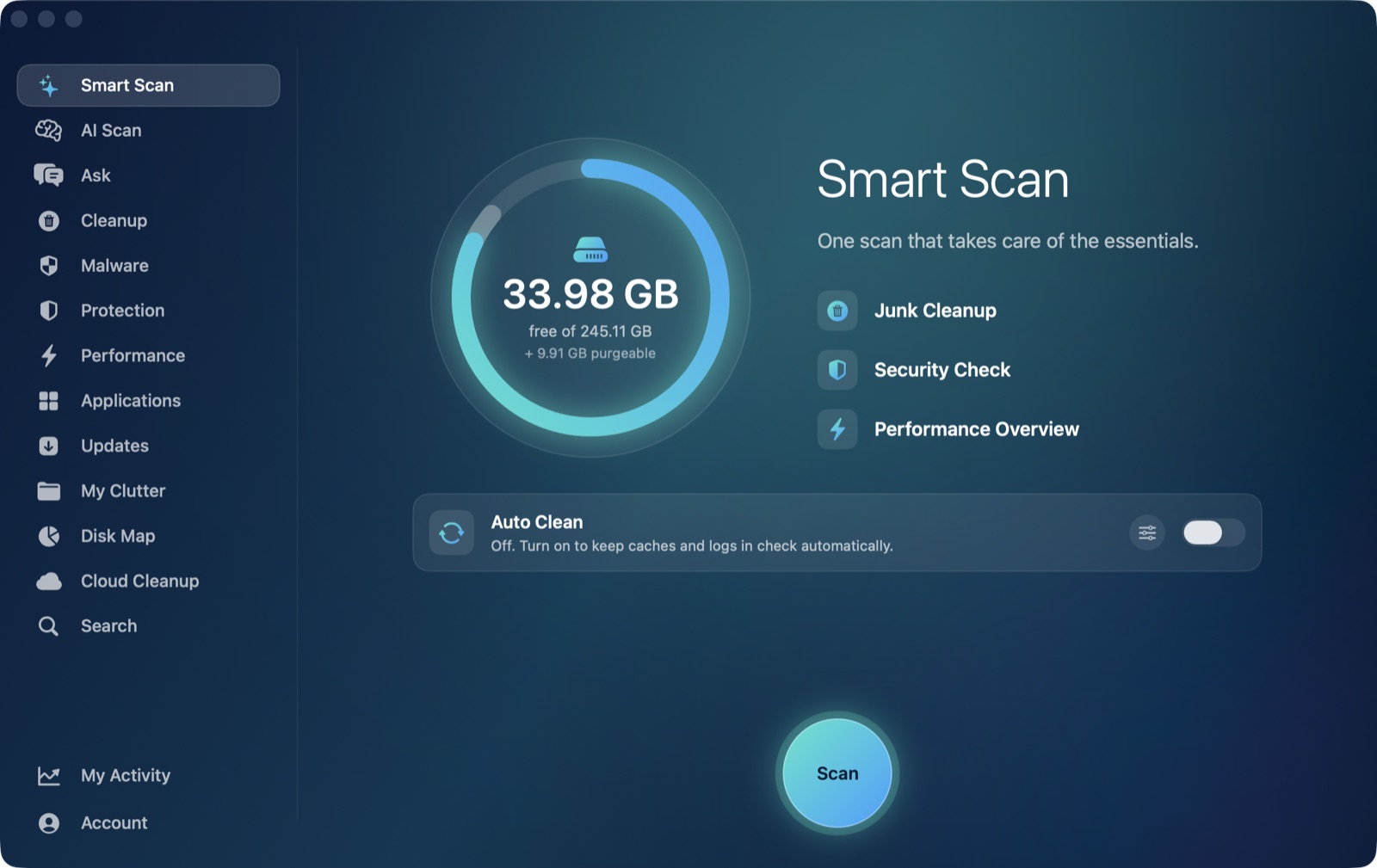
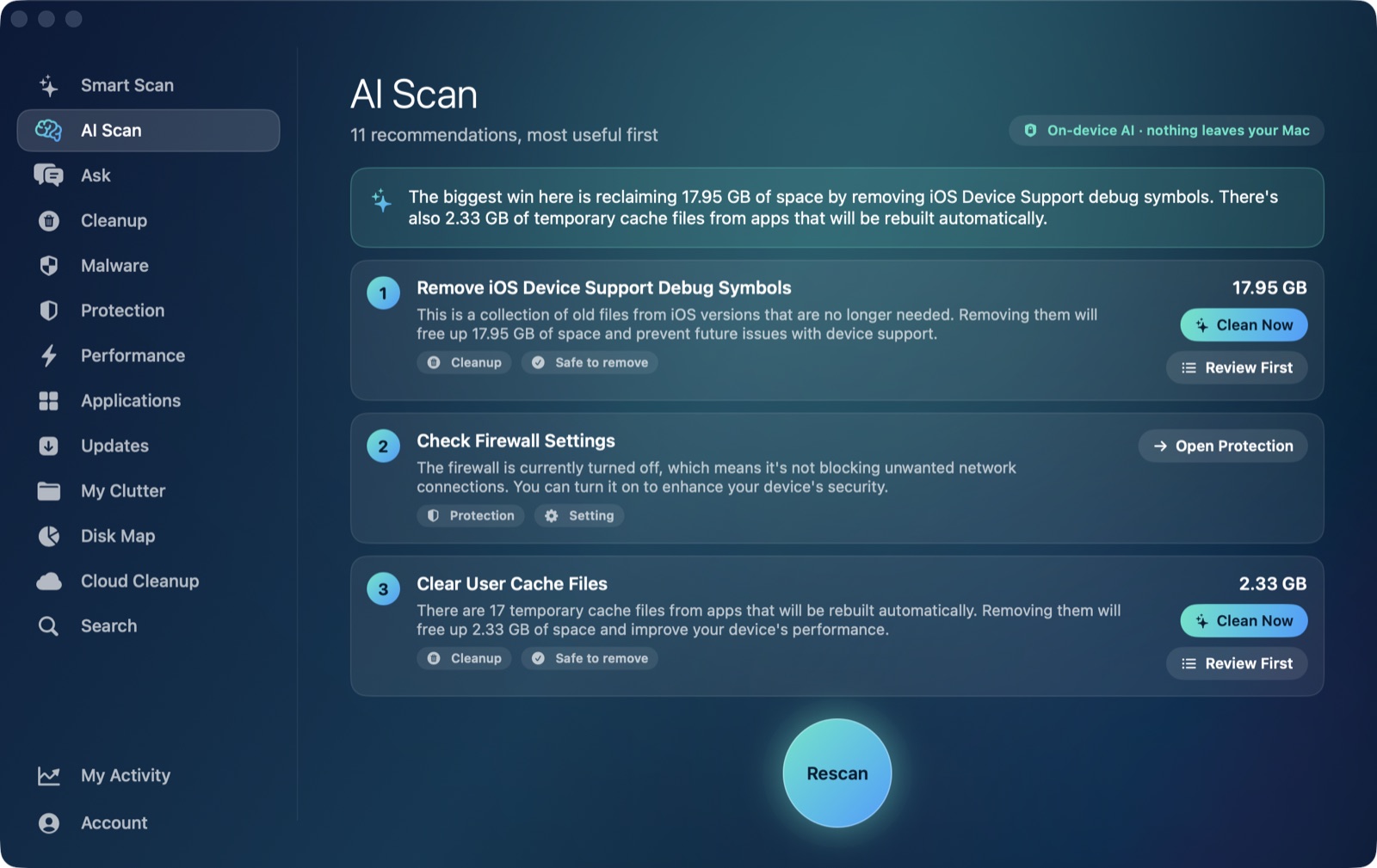
AI Mac Cleaner's Malware screen checks ~/Library/LaunchAgents, /Library/LaunchAgents and /Library/LaunchDaemons against a list of known adware and browser-hijacker families — including SafeFinder, WeKnow, AnySearch and SearchMine — flags background items whose program is unsigned or missing, and separately checks for installed configuration profiles, since those are a common part of this exact symptom. It shows you what it found before anything moves; removing stops the background item and moves it to the Trash, so anything you want back is one click away, and nothing is removed automatically on its own.
Frequently asked questions
Is a browser redirect on a Mac an actual virus?
Not in the traditional sense — it's adware or a "potentially unwanted program," not self-replicating malware, and it can't damage your Mac's hardware or files. It is genuinely annoying and worth removing properly rather than tolerating.
Why does my search engine keep changing back after I fix it?
Something outside the browser — most often a configuration profile, a browser extension, or a background launch agent — is re-applying the change every time you fix it manually. You need to find and remove that underlying cause, not just reset the browser setting again.
Will resetting my browser to factory settings fix a redirect virus?
Often not by itself. If the cause is a configuration profile or a background launch agent, those live outside the browser entirely and survive a browser reset; you need to remove the profile or launch agent specifically, not just the browser's own settings.
How did a browser hijacker get onto my Mac in the first place?
Almost always through something you installed — a bundled "free" app installer, a fake software update prompt from a website, or a cracked app download. macOS does warn about unsigned software, but these installers typically prompt you to approve the install yourself.