AI Mac Cleaner
How to Clear Yarn Cache on Mac
Yarn Classic and Yarn Berry cache packages in different places on a Mac. Here's how to clear Yarn cache on Mac for whichever version you're running.
If you build JavaScript projects with Yarn instead of npm, its package cache has been growing under your home folder the same way ~/.npm does for npm users — our npm cache post covers that companion case. The twist with Yarn specifically is that sources genuinely disagree on where its cache lives, because the answer depends on which Yarn you're running. Here's how to clear Yarn cache on Mac properly, for either version, and how to confirm the exact path on your own machine rather than guessing.
Why the path is genuinely in dispute
Search for "where does Yarn store its cache on Mac" and you'll find confident answers pointing to ~/Library/Caches/Yarn and other confident answers pointing to ~/.cache/yarn. Both are right, depending on context — but neither is universally true, because "Yarn" has meant two different tools since Yarn 2 (branded "Berry") shipped a substantially different package manager under the same name, with its own defaults.
The reliable way to settle it on your own machine, rather than trusting any single guide: run yarn cache dir in Terminal. It prints the exact path Yarn is actually using right now.
Yarn Classic (1.x): ~/Library/Caches/Yarn
If yarn --version reports a 1.x version, you're on Yarn Classic, and its default cache on macOS is ~/Library/Caches/Yarn, typically with a versioned subfolder like v6 inside it (~/Library/Caches/Yarn/v6). This holds every package tarball Yarn has downloaded, keyed so that installing the same package version again — on this project or a different one — pulls it from the local cache instead of hitting the registry.
Clear it with Yarn's own command:
yarn cache clean
This empties the cache folder Yarn is actually configured to use (confirm it first with yarn cache dir if you want to be certain), and it's the safer route over rm -rf on a guessed path, since it won't silently do nothing if your cache happens to be somewhere nonstandard — a custom YARN_CACHE_FOLDER environment variable, or a path changed in .yarnrc, both override the default.
Yarn Berry (2.x and later): usually inside the project, not your home folder
If yarn --version reports 2.x, 3.x or 4.x, you're on Yarn Berry, and the cache story changes meaningfully. Berry's defining feature is "Zero-Installs": by default, it caches each project's dependencies as compressed .zip files inside that project's own .yarn/cache folder, often checked into version control so the whole team shares the exact same resolved cache. That's a deliberate design choice, not an oversight — the cache travels with the repository instead of living in one shared global location the way Yarn Classic's does.
That means Yarn Berry's cache isn't reliably one folder under your home directory at all — it's wherever each project's .yarn/cache ends up, plus whatever cacheFolder setting a given project's .yarnrc.yml specifies if it overrides the default. yarn cache clean still works per-project in Berry, run from inside that project's folder, and yarn config get cacheFolder shows you exactly where it's pointed for that project.
Clearing it safely either way
- Check your version first.
yarn --versiontells you which cache story applies. - Confirm the real path.
yarn cache dir(Classic) oryarn config get cacheFolder(Berry, from inside a project) — don't trust a guide's generic path over what your own install reports. - Use Yarn's own clean command rather than deleting the folder by hand, so it stays correct even if a future Yarn version changes the default location.
- Expect a slower next install. Like any package manager cache, clearing it just means the next
yarn installre-downloads what it needs instead of reading from the local copy — nothing you've already installed into a project'snode_modulesis affected.
Where AI Mac Cleaner fits — only for Yarn Classic
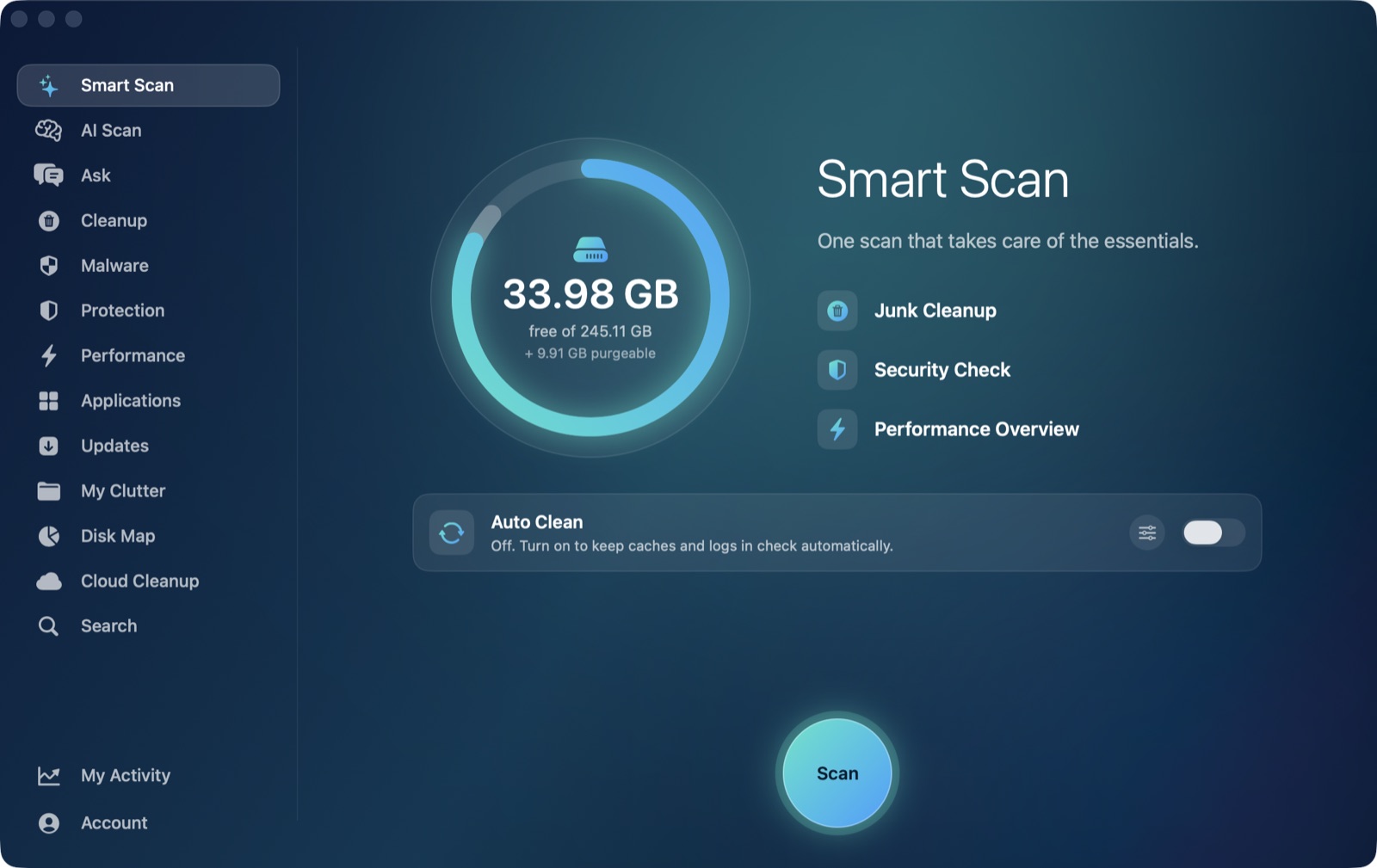
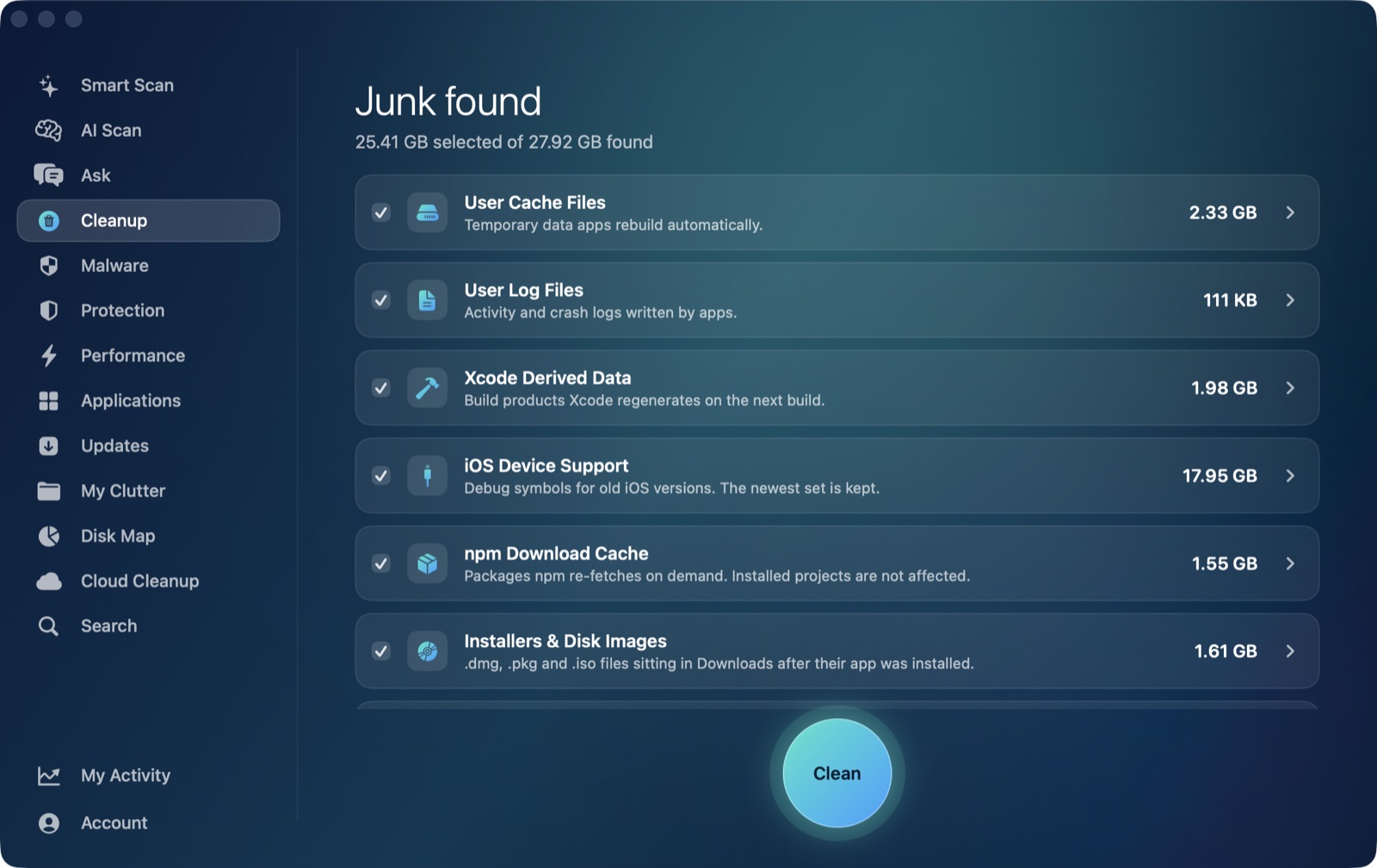
Yarn Classic's cache folder is literally named Yarn and sits directly under ~/Library/Caches — the same standard location CocoaPods and Homebrew use, and the one AI Mac Cleaner's Cleanup module sweeps in its User Cache Files category as part of a routine pass. It isn't aware of package names or Yarn's own cache-integrity logic, but it sees the folder's size and includes it, since nothing excludes it from the sweep.
Yarn Berry's project-local .yarn/cache folders are a different story, and this is worth being direct about: they live inside your actual project folders, not under ~/Library/Caches, so the generic sweep never sees them — the same boundary that keeps it from touching node_modules folders scattered across your projects. If you're on Berry and want the space back outside of yarn cache clean itself, My Clutter's large-file finder or Disk Map pointed at your projects folder will show you where those .yarn/cache folders have grown largest.
To clear Yarn Classic's cache along with the rest of your Mac's accumulated developer junk in one sized pass, AI Mac Cleaner has a 7-day free trial with every feature unlocked, no card required, and plans from $6.99/mo after that.
Frequently asked questions
Where does Yarn store its cache on a Mac?
It depends on your Yarn version. Yarn Classic (1.x) defaults to ~/Library/Caches/Yarn. Yarn Berry (2.x+) typically caches inside each project's own .yarn/cache folder instead of one shared home-folder location. Run yarn cache dir or yarn config get cacheFolder to see the exact path your install is using.
Is yarn cache clean safe to run?
Yes — it only clears downloaded package data that Yarn re-fetches automatically on the next install. It doesn't touch your project files, package.json, or anything already installed into a project's node_modules.
Does AI Mac Cleaner clear Yarn's cache automatically?
For Yarn Classic, yes, as part of its general User Cache Files category, since that cache sits directly under ~/Library/Caches. For Yarn Berry, no — its cache typically lives inside individual project folders, outside the location that category scans.
Why do different websites give different answers for Yarn's cache location?
Because "Yarn" covers two genuinely different package managers under one name: Yarn Classic (1.x), which uses a single shared cache under ~/Library/Caches/Yarn, and Yarn Berry (2.x+), which by default caches per-project instead. A guide that doesn't specify which version it's describing ends up half-right either way.
Will clearing the Yarn cache slow down my next install?
A little, the first time — Yarn has to re-download whatever that install needs instead of pulling it from the local cache. Subsequent installs are back to normal speed once the cache rebuilds.