AI Mac Cleaner
mds_stores High CPU on Mac: What It Is and When to Worry
mds_stores is the process behind Spotlight's index itself, not the per-file scanning you see as mdworker. Here's what makes it spike, when that's normal, and when it's actually stuck.
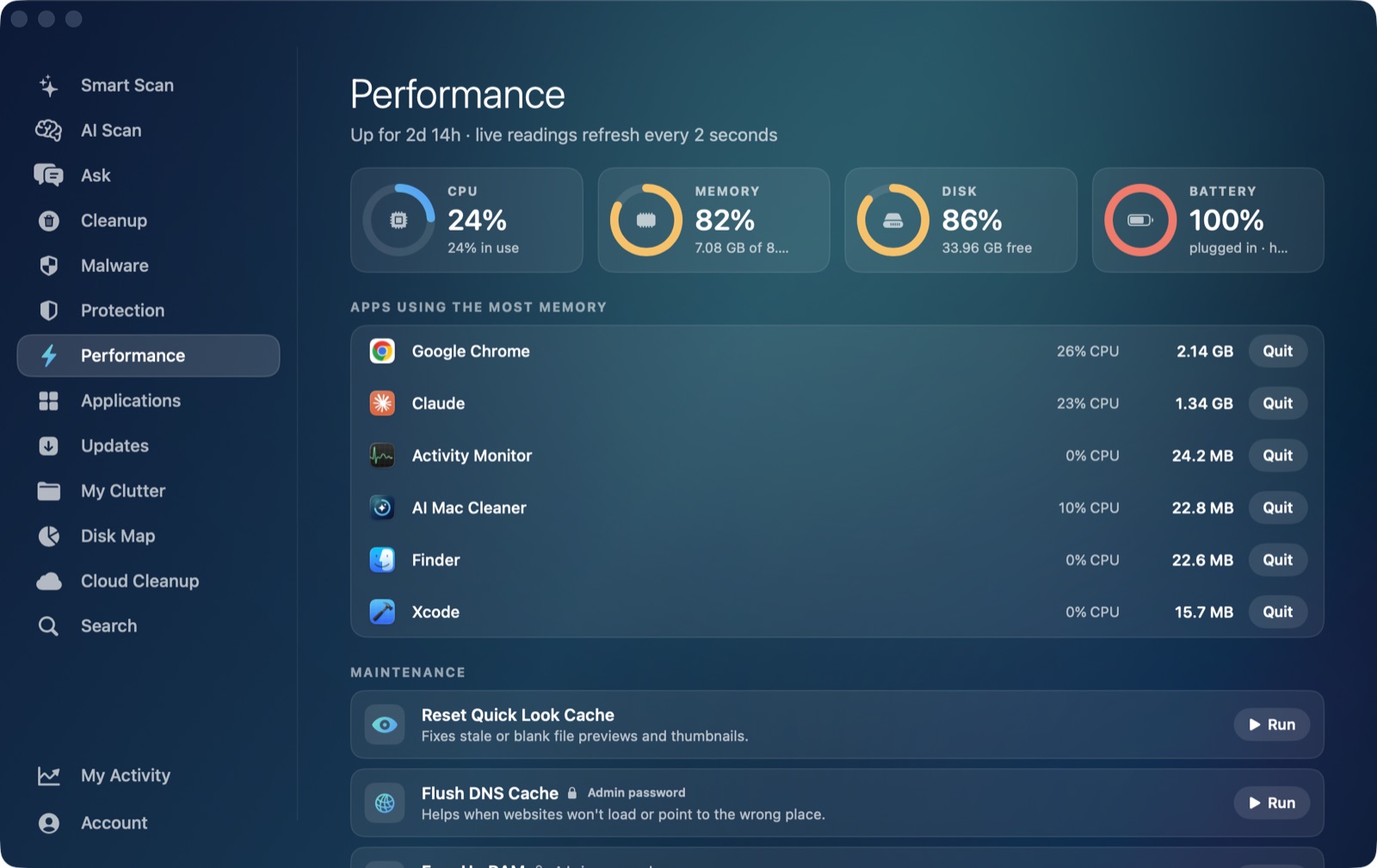
If Activity Monitor or a live performance view shows mds_stores sitting high on the CPU list, it's part of the same Spotlight subsystem as mdworker — but it's not doing the same job. mds_stores high CPU on a Mac usually means Spotlight's index itself is being read from or written to heavily, not that individual files are being scanned. Knowing the difference matters because the fix for one isn't always the fix for the other, and neither one is something you should be force-quitting.
mds_stores vs mdworker: two different jobs
mdworker (sometimes mdworker_shared) is the worker that opens each file and extracts what should go into the index — text content, metadata, tags. mds_stores is the process that owns the index store itself: the database file on disk that Spotlight actually searches against. It handles writing new entries into that store, journaling changes so the index survives a crash or reboot, and answering the queries Spotlight, Siri suggestions and Finder search send against it. When you see both running at once, that's the normal division of labor — mdworker is finding things to add, mds_stores is the one actually storing them and serving search results.
Because they're two processes in the same pipeline, most of what makes mdworker spike also makes mds_stores busy, just a step later in the chain.
When mds_stores high CPU is normal
Expect mds_stores to run hot, sometimes for a while, right after:
- A macOS update. Spotlight frequently needs to extend or partly rebuild its on-disk store after a system update.
- Connecting a new drive, or restoring from backup. A new volume means a new store to build from nothing.
- A big file operation finishing — unzipping a large archive, a cloud folder completing a huge sync, moving a large folder tree. Every new or changed file that mdworker scans needs to be written into the store by mds_stores right after.
- Editing Spotlight's privacy exclusions. Removing a folder from the exclusion list sends everything in it through indexing again, store writes included.
The small Spotlight icon in the menu bar (the magnifying glass with a progress indicator) tells you whether indexing is still actively in progress. mdutil -s / in Terminal gives the same answer directly. If either one says indexing is underway, mds_stores using CPU alongside it is expected, not a problem to chase.
When it's actually stuck
If mds_stores (or the mdworker/mds_stores pair together) has been pinned high for hours with the menu bar icon showing no active indexing, and there's no large file change to explain it, something in the store is likely corrupted or stuck — a common trigger is a folder with enormous numbers of tiny files (a deep node_modules tree, a huge mailbox, leftover Time Machine local snapshots) that the index keeps failing to fully process.
The standard fix is the same one used for a stuck mdworker, because they share the same underlying index:
sudo mdutil -E /
This erases the Spotlight store for the volume and rebuilds it from scratch. CPU usage from both mds_stores and mdworker afterward is expected — that's the rebuild happening, once, rather than a repeat of whatever was stuck before.
Don't force-quit it
mds_stores is a core macOS system service, and macOS restarts it immediately if it's killed — so quitting it doesn't free up anything, it just adds a restart on top of whatever was already happening. If you genuinely don't need a folder searchable by content at all — build caches, package manager folders, a virtual disk image — the better long-term move is excluding it from Spotlight entirely: System Settings → Siri & Spotlight → Spotlight Privacy, then add the folder. That stops both mdworker and mds_stores from ever touching it again.
Where AI Mac Cleaner fits in
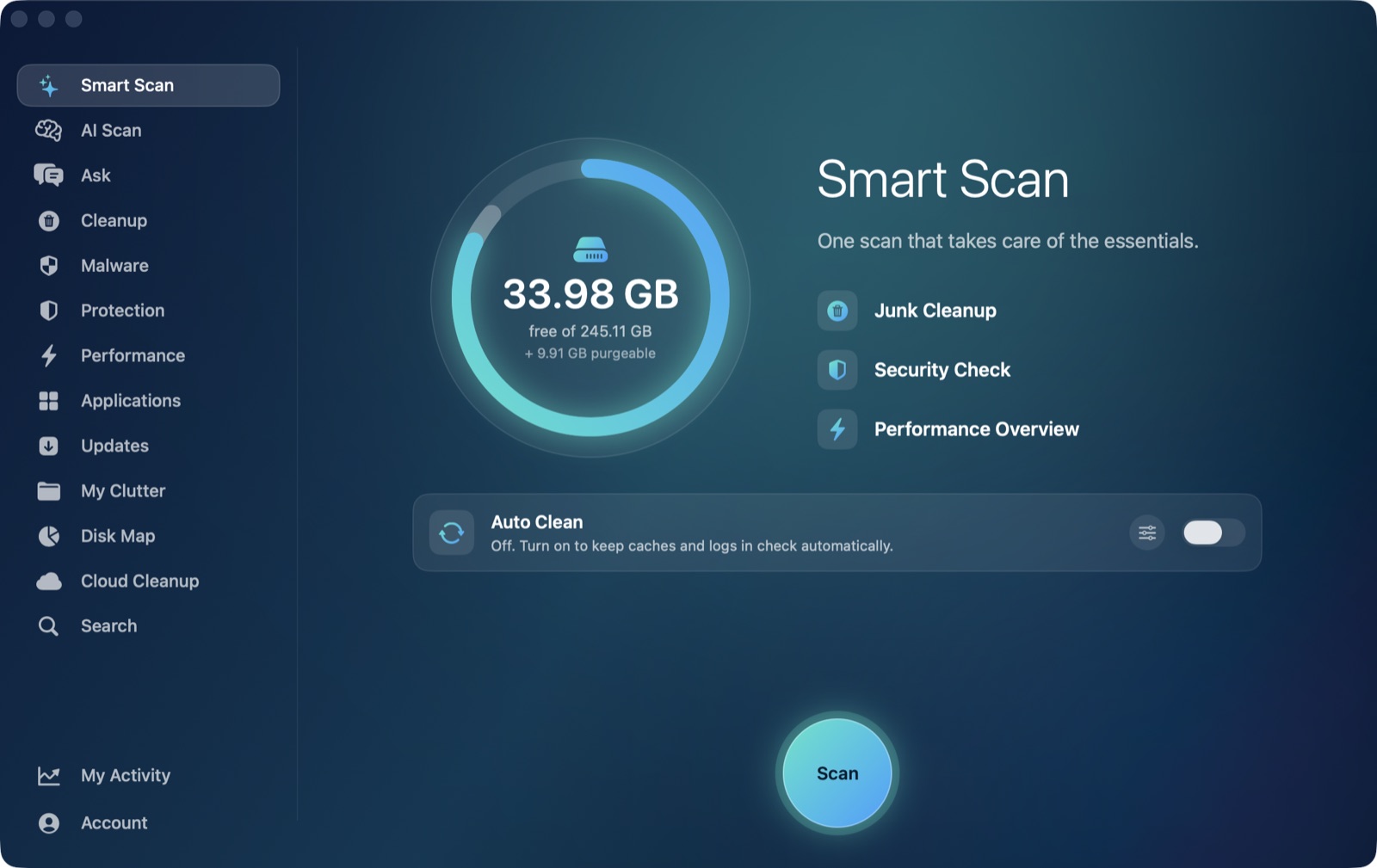
AI Mac Cleaner's Performance module shows mds_stores in the same live, ranked list as every other process using real CPU right now, next to mdworker and everything else competing for the same core — useful for seeing at a glance whether it's climbing, holding steady, or settling down, without reopening Activity Monitor every few minutes to check. It doesn't manage Spotlight's index directly (there's nothing here the app would safely touch — it's a system process, not junk), but the My Clutter module can show you which folders in your home directory are actually large, which is often the same place worth adding to Spotlight's exclusion list if you'll never search it by content.
AI Mac Cleaner has a 7-day free trial with every feature unlocked and no card required, plans from $6.99/mo after. For the mdworker side of the same pipeline, see mdworker high CPU on Mac, or read more on finding a high-CPU app generally.
Frequently asked questions
What's the difference between mds_stores and mdworker?
mdworker extracts searchable content from individual files. mds_stores owns the actual index database on disk, writing in what mdworker finds and answering Spotlight's search queries against it. They usually run together because they're two stages of the same pipeline.
Is mds_stores high CPU a sign of malware?
No — it's one of Apple's own Spotlight processes, not something installed on you. The thing to check isn't whether it ran, but whether it's actually making progress (the menu bar Spotlight icon shows "indexing") or stuck with nothing to show for it.
Can I force-quit mds_stores to stop the CPU usage?
You can, but macOS restarts it right away since it's a system service, so you lose nothing but a few seconds — the underlying work, if there is any, keeps happening. Excluding the folder that's causing the load, or rebuilding the index, actually addresses the cause.
How do I rebuild Spotlight's index if mds_stores seems stuck?
Run sudo mdutil -E / in Terminal. It erases the index for that volume and tells macOS to build it from scratch — a standard, Apple-supported command. Expect a burst of mds_stores and mdworker CPU use right after, which is the rebuild itself.
Will excluding a folder from Spotlight stop mds_stores from using CPU on it?
Yes. Once a folder is added under System Settings → Siri & Spotlight → Spotlight Privacy, neither mdworker nor mds_stores will index or store anything from it again, which removes that folder from the CPU load entirely going forward.