 AI Mac Cleaner
Is it safe to delete node_modules on a Mac?
node_modules is easy to spot and huge to find, but it isn't a cache like DerivedData or npm's download folder — here's the real difference, and why AI Mac Cleaner treats it as review-only instead of auto-offering it.
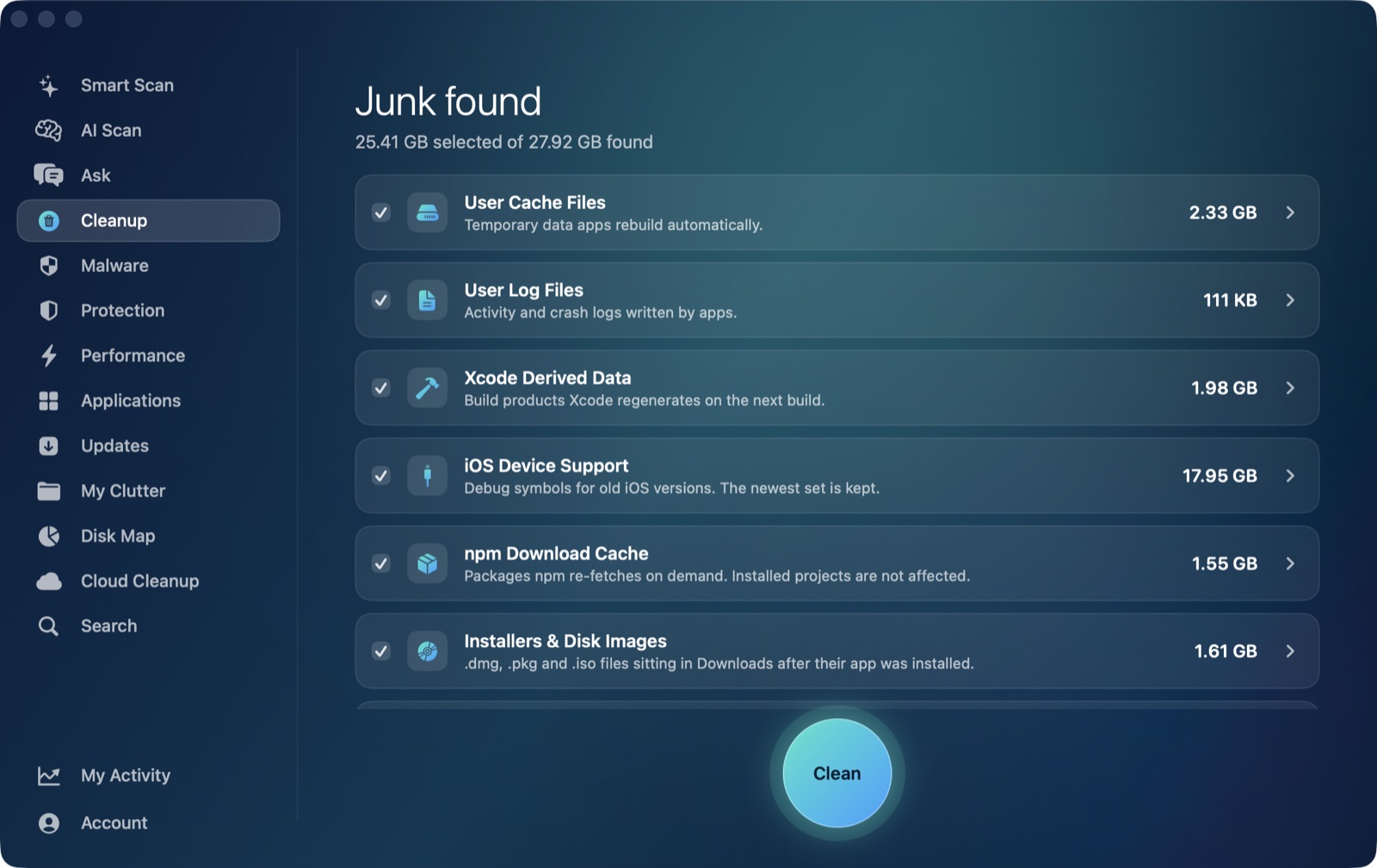
Every JavaScript or TypeScript project on your Mac has a node_modules folder, and a disk-space scanner will point straight at it — some of them run to hundreds of megabytes or more per project, multiplied by however many repos you have checked out. The question worth asking before you delete one is whether it behaves like a cache. It doesn't, quite, and that difference is why AI Mac Cleaner handles it differently from the caches it does auto-offer.
node_modules vs. an actual cache
npm's download cache (~/.npm) is a true cache: it's a shared store of package archives npm has already fetched, and if you delete it, the next npm install anywhere on your Mac just re-downloads what it needs. That's why AI Mac Cleaner lists npm Download Cache as one of its auto-offered developer categories, next to Xcode DerivedData and old iOS Device Support.
node_modules inside a specific project is different. Deleting it doesn't touch a shared cache — it removes that project's installed dependencies, and getting them back means running npm install (or yarn, or pnpm install) again, from scratch, for that one project, which can take anywhere from a few seconds to several minutes depending on the project and your network. It's recoverable, but not free to recover the way a cache is, and if the project used exact versions pinned in a lockfile that's since drifted, a fresh install can occasionally pull different transitive versions than what's on disk now.
Why AI Mac Cleaner doesn't auto-offer it
This is exactly the distinction behind one of the app's safety rules: node_modules in projects sits in a review-only list — alongside archives in Downloads, iPhone backups, Docker's disk image, virtual machines, and leftovers of deleted apps — that is never pre-ticked and never included in an automatic clean. You have to open that list and select it yourself, project by project, before anything happens to it. The categories that are safe to select in one click — user caches, logs, DerivedData, npm's own download cache — are kept in a separate, auto-offered list precisely because they don't have this trade-off.
Even when you do select it, nothing is deleted directly: like every removal in the app, it goes through FileRemover, which moves the folder to the Trash rather than erasing it, so a project you're about to reinstall into can still be recovered with Put Back if you picked the wrong one.
A safer way to find node_modules worth clearing
The best candidates for deleting a project's node_modules are old, cloned-and-forgotten repos you're not actively working in — not the project you have open in your editor right now. AI Mac Cleaner's Cloud Cleanup module applies a related rule from the other direction: when it scans iCloud Drive and other cloud storage for what's safe to touch, it skips any folder that looks like a code project (recognizing .git, package.json, .xcodeproj and node_modules itself) entirely, rather than guessing at what's disposable inside someone's working repo. The same caution is why node_modules cleanup in the Cleanup module stays a manual, reviewed choice rather than something the app decides for you.