 AI Mac Cleaner
powerd High CPU on Mac: What It Is and What to Check
powerd is macOS's power-management daemon, handling sleep, wake, disk spin-down and display dimming. High CPU from it is rare but reported — here's what's normal and what's worth checking when it isn't.
If powerd is showing up high in Activity Monitor, it's a core macOS daemon with no app icon and no settings panel of its own — not something you installed, and not malware. It's also not a process that's usually doing much: under normal conditions it sits near 0% CPU almost all the time, which is exactly why a sustained spike is worth a second look rather than something to immediately dismiss.
What powerd actually does
powerd is macOS's power-management daemon — it's the process behind what happens when your Mac goes idle: putting the display to sleep, spinning down disks, dimming the backlight on a battery-powered Mac, and deciding when the whole system should sleep based on your Energy Saver / Battery settings and whatever's keeping it awake (an active download, a video call, a "prevent sleep" request from an app). It also tracks scheduled power events if you've set any with pmset — automatic wake or sleep at a set time. None of this is user-facing by design; there's no "powerd preferences" because it's meant to run invisibly in the background doing exactly this kind of bookkeeping.
When powerd high CPU is reported, and what users have found
Sustained high CPU from powerd is uncommon enough that it shows up mostly as individual reports on Apple's own developer and community forums rather than a single well-documented cause, across several macOS versions. A few patterns reported by users troubleshooting it:
- Right after waking from sleep on battery. Some users report a spike specifically tied to resuming from sleep while unplugged, which settles once the Mac has been awake a short while or once it's plugged in.
- Scheduled power events. In one developer-forum thread about a persistent spike, a user reported it stopped after they checked for and cancelled scheduled wake/sleep events set with
pmset— worth checking if you've ever set an automatic schedule and forgotten about it. - An NVRAM reset helping in isolated cases. Another user in the same thread reported this fixed it for them, though it's an anecdotal fix rather than an official one from Apple.
What to actually check, in order
- Force quit it in Activity Monitor first.
powerdrestarts automatically within a second or two, and in most reported cases that alone stops the spike — it's the quickest thing to try before anything more involved. - Check for scheduled power events. Open Terminal and run
pmset -g schedto see any scheduled wake or sleep times you (or an installer) may have set and forgotten about;sudo pmset repeat cancelclears a repeating schedule if one is found. - Watch for a pattern around sleep/wake on battery. If it only happens right after waking unplugged, note whether it settles within a minute or two on its own — that's consistent with the behavior some users report, not necessarily a fault.
- Restart if it persists. Since
powerdhas no user-facing state to lose, a restart clears whatever's stuck without any real downside.
Don't confuse it with similarly named processes
powerd isn't the only power-related process on macOS, and mixing them up leads to troubleshooting the wrong thing:
PerfPowerServicesis a separate process that reports performance and power telemetry; it can have its own, unrelated high-CPU pattern.powerlogdis the daemon behind the power-and-thermal loggingpmset -g logreads from — also separate, and also reported stuck high on its own in some threads.
If Activity Monitor shows one of these instead of powerd itself, the fix above (force-quitting powerd) won't apply — check which process name is actually listed before acting on it.
Where AI Mac Cleaner fits in, honestly
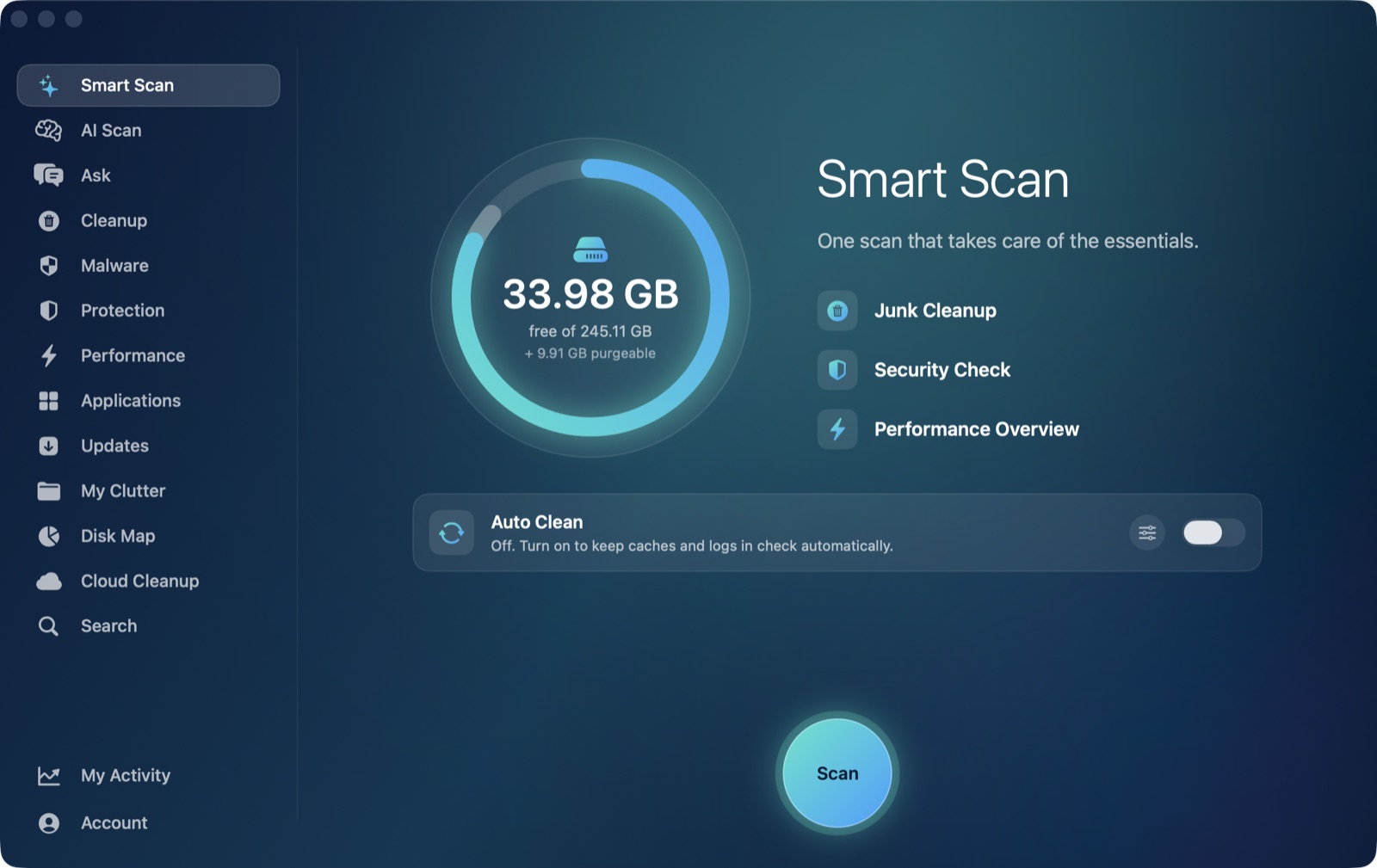
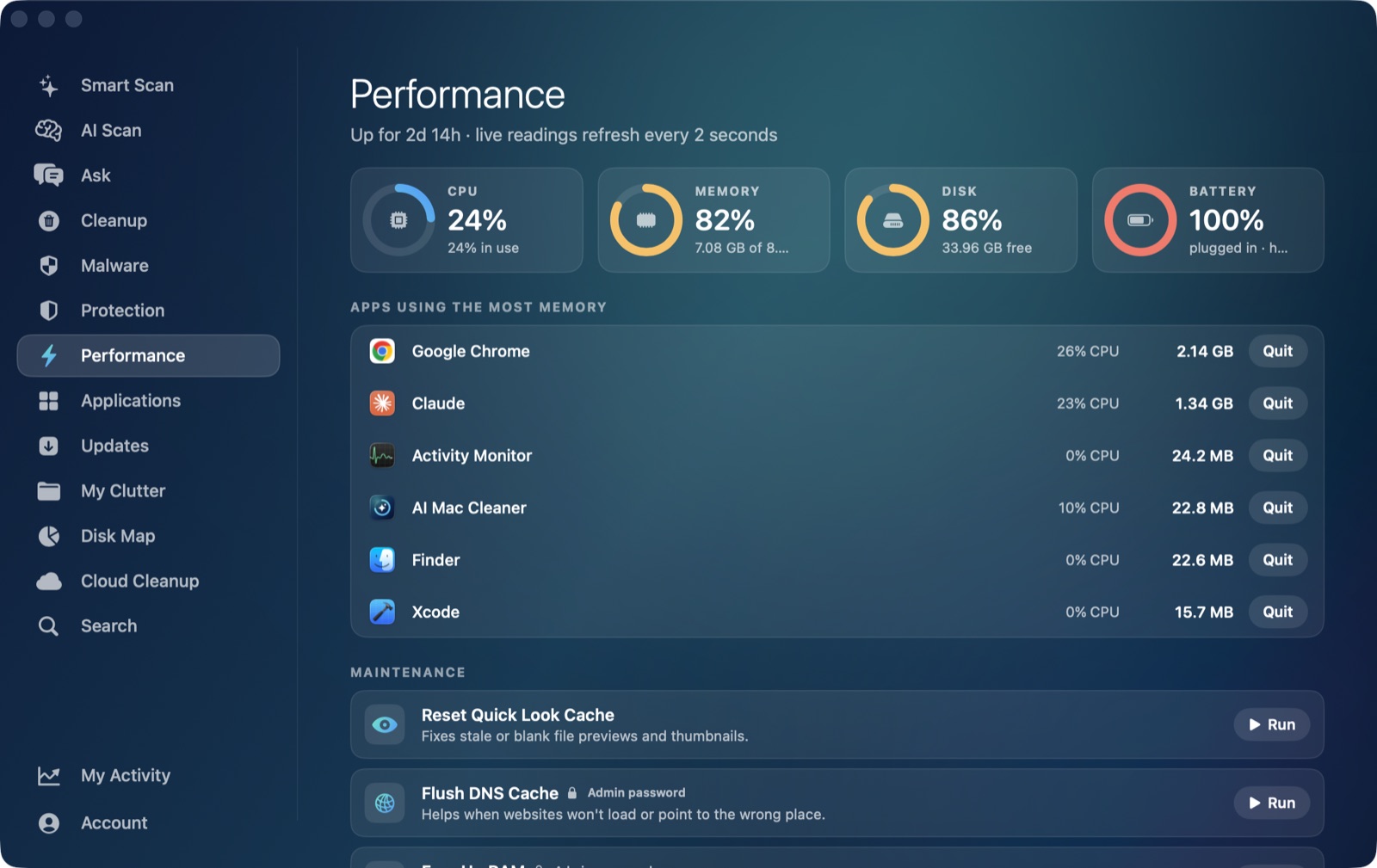
It's worth being specific about what the app actually shows here, the same way we are for trustd and backupd in this same by-process cluster. AI Mac Cleaner's Performance module gives you a live, whole-system CPU percentage, which does reflect whatever powerd is doing at that moment as part of the total. But its ranked heaviest apps list is built from the regular, Dock-visible apps macOS reports through NSWorkspace — by design, that list doesn't include background system daemons like powerd, so it won't show up there by name. The same is true of the app's launch agent manager, which looks at ~/Library/LaunchAgents, /Library/LaunchAgents and /Library/LaunchDaemons: powerd runs from Apple's own sealed system location outside all three, so it never appears there either.
What the Performance module is genuinely useful for here is everything downstream: its battery health and cycle-count reading is worth checking if you're seeing this specifically on battery, since a battery nearing the end of its healthy life can change how aggressively macOS manages sleep and power states in the first place — a different, slower-moving cause from a one-off powerd spike, but worth ruling out if the pattern keeps recurring.
AI Mac Cleaner has a 7-day free trial with every feature unlocked and no card required, plans from $6.99/mo after.
Frequently asked questions
What is powerd on my Mac?
It's Apple's power-management daemon — the background process that handles sleep, wake, display dimming, disk spin-down and any scheduled power events you've set. It has no settings panel of its own and isn't something you installed.
Is it safe to force quit powerd?
Yes — it restarts automatically within a second or two, and in most reported cases that's enough to stop a CPU spike without any real downside, since it holds no user-facing state to lose.
Why does powerd spike right after my Mac wakes from sleep?
Some users report this specifically when waking from sleep on battery; it's reported to settle within a short time or after plugging in. It isn't a documented, official behavior — just a pattern several users have independently reported.
Can a scheduled power event cause this?
Yes, potentially — a forgotten pmset schedule for automatic wake or sleep is one reported cause. Run pmset -g sched in Terminal to check for any, and sudo pmset repeat cancel to clear a repeating one.
Does AI Mac Cleaner show powerd specifically in its process list?
No — its Performance module's heaviest-apps list covers regular foreground apps, not background system daemons like powerd, the same gap as its other by-process posts in this cluster. Activity Monitor is still the right tool for seeing powerd itself by name.