 AI Mac Cleaner
mDNSResponder High CPU on Mac: What It Is and What to Check
mDNSResponder handles Bonjour network discovery behind the scenes — AirDrop, AirPlay, printer sharing, DNS lookups. A brief spike is normal; a stuck one usually traces back to the network, not malware.

If mDNSResponder is sitting near the top of Activity Monitor, it's one of macOS's oldest and most load-bearing background daemons, not something that snuck onto your Mac uninvited. It's the process behind Bonjour, Apple's zero-configuration networking system, and it's been quietly running on every Mac since Mac OS X 10.2. Under normal conditions it uses a sliver of CPU. A sustained spike is unusual enough to be worth tracking down, and in most reported cases the cause sits on the network, not inside the Mac itself.
What mDNSResponder actually does
Bonjour lets devices on the same network find each other and the services they offer without any manual setup — no typing in IP addresses, no configuring a server. mDNSResponder is the daemon that makes that work: it answers and sends multicast DNS (mDNS) queries, advertises services your Mac offers, and handles regular DNS resolution for ordinary web and app traffic too, since macOS routes a lot of name lookups through it. Every time your Mac finds an AirPlay speaker, discovers a shared printer on the network, lets another device see it over AirDrop, or simply resolves a hostname to connect to a website, there's a reasonable chance mDNSResponder did some of that work.
When a brief spike is normal
A short burst of CPU use is expected around:
- Waking from sleep or joining a new network — the daemon re-announces your Mac's own services and re-discovers what's around it, which takes a moment of real work.
- A chatty local network — printers, smart TVs, smart-home hubs and other Bonjour-aware devices that broadcast their presence frequently can generate a steady trickle of mDNS traffic your Mac has to process, even when you're not actively using any of them.
- Opening several apps or browser tabs at once — each one triggering its own batch of DNS lookups in a short window adds up to a brief, visible bump.
These should settle within a minute or two once the burst clears.
When it's a sustained problem instead
Multiple long-running Apple Support Community threads describe a different pattern: mDNSResponder pinned persistently high, sometimes alongside high memory use, for extended stretches with no obvious single cause. A few patterns show up repeatedly in these reports and in independent troubleshooting write-ups, worth treating as leads rather than guaranteed fixes:
- A misbehaving router, printer or IoT device flooding the network with mDNS traffic. This is the most commonly cited cause — one device on a shared network sending repeated or malformed Bonjour announcements can keep every Mac on that network busy processing them. Temporarily disconnecting from Wi-Fi and switching to a different network (or a personal hotspot) to see if the CPU use drops is a genuinely useful diagnostic step, since it isolates whether the Mac itself is the problem or the network it's on.
- A large number of long-lived outbound connections. One independent 2026 technical write-up traced a case to many simultaneous background services (local development servers, each maintaining its own connection) pushing
mDNSResponderinto a state where DNS resolution itself stopped responding correctly. That's a specific, documented scenario rather than a general explanation for every case, but it's a real one if you run a lot of local servers or background tooling. - Third-party firewall, VPN or network-filtering software. A Pi-hole community thread reports high
mDNSResponderCPU that cleared after adjusting an iCloud Private Relay setting specifically — a reminder that network-level privacy and filtering tools can interact with Bonjour traffic in ways that are easy to miss.
Practical steps, in order
- Flush the DNS cache and restart the daemon.
sudo killall -HUP mDNSResponderin Terminal is the long-standing, low-risk way to make macOS rebuild its DNS cache and restart the process cleanly, without a full reboot. It's been the standard first step for DNS-related oddities on macOS for years. - Restart the Mac if that doesn't settle it. This clears any stuck local state entirely and costs nothing but a couple of minutes.
- Test on a different network. If the spike disappears on a different Wi-Fi network or a personal hotspot, the cause is almost certainly something on your usual network, not the Mac — a router, a printer, or another device worth investigating or isolating.
- Check for a pending macOS update. As with several other system daemons, an outdated macOS version shows up disproportionately in reports of stuck background processes.
- Review any VPN, firewall or ad-blocking setup you've added recently, since that's where several of the community-reported cases trace back to.
Don't force-quit it and leave it there
You can force-quit mDNSResponder, but macOS restarts it immediately since it's a core system daemon — without it, Bonjour discovery, AirDrop, AirPlay and a chunk of ordinary DNS resolution stop working until it's back. The killall -HUP command above is the better version of the same idea: it restarts the daemon cleanly rather than just killing it and hoping.
Where AI Mac Cleaner fits in
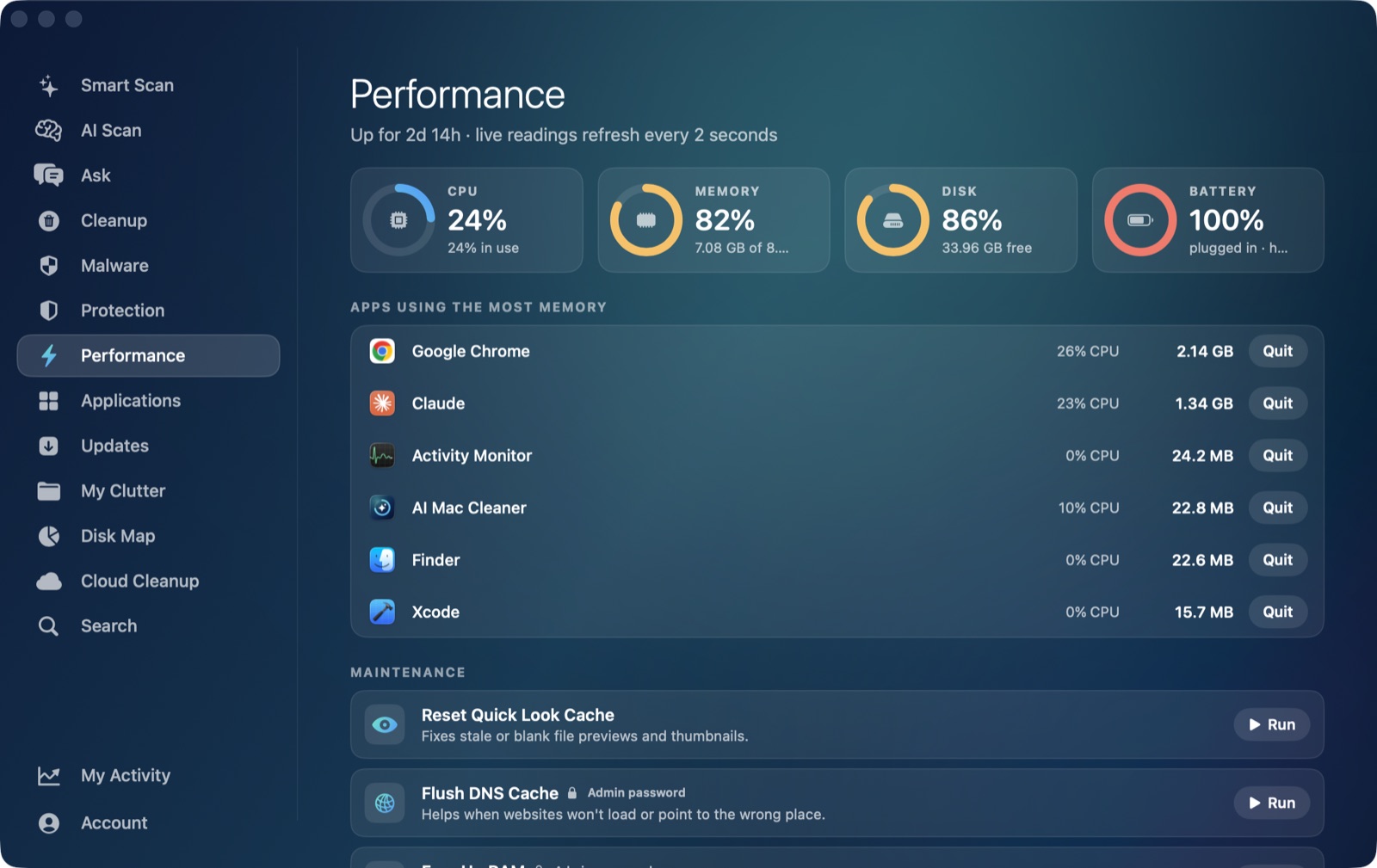
AI Mac Cleaner's Performance module gives you a live, system-wide CPU percentage that reflects whatever mDNSResponder (or anything else) is doing at that moment, plus live RAM, disk and battery readings. Its ranked heaviest apps list, though, only shows regular, Dock-visible foreground applications, built from macOS's own list of user-facing apps — by design, that excludes background daemons like mDNSResponder, the same honest gap as the app's other by-process posts in this cluster, such as trustd and coreaudiod. What the module is genuinely useful for here is confirming whether your Mac's overall CPU use is actually elevated right now, and ruling foreground apps in or out before you go looking at network-level causes.
AI Mac Cleaner has a 7-day free trial with every feature unlocked and no card required, plans from $6.99/mo after.
Frequently asked questions
Is mDNSResponder a virus?
No — it's a core macOS system daemon that's been part of the operating system since Mac OS X 10.2, responsible for Bonjour network discovery and a share of ordinary DNS lookups. It's doing legitimate networking work, not something installed without your knowledge.
Why does mDNSResponder spike right after I join a new Wi-Fi network?
It's re-announcing your Mac's own network services and discovering what's available on the new network, which takes a short burst of real work. That should settle within a minute or two once the initial discovery finishes.
What does sudo killall -HUP mDNSResponder actually do?
It tells macOS to restart the mDNSResponder process cleanly and rebuild its DNS cache, without rebooting the whole Mac. It's a long-standing, low-risk troubleshooting step for DNS and Bonjour-related oddities.
Can a printer or smart-home device cause this on my Mac specifically?
Yes — a device on your network sending frequent or malformed Bonjour/mDNS announcements can keep every Mac on that network busy processing them. Testing on a different network is the quickest way to tell whether the cause is on your Mac or somewhere else on the network.
Does AI Mac Cleaner show mDNSResponder by name?
Not in its heaviest-apps list, which only ranks regular, Dock-visible foreground apps the same way Activity Monitor's "My Processes" filter would. The Performance module's overall CPU percentage does reflect mDNSResponder's activity as part of the system-wide total; Activity Monitor is the tool for seeing it specifically by name.