AI Mac Cleaner
coreduetd High CPU on Mac: What It Is and What to Check
coreduetd coordinates Handoff, AirDrop and other Continuity features behind the scenes. High CPU is usually tied to real device activity — here's what's normal and what's worth checking.
If coreduetd is pinned high on your CPU list, it's not a process most people have ever consciously heard of — which makes it unsettling to see it spiking. It's one of Apple's own system daemons, part of the CoreDuet framework that keeps features like Handoff, Universal Clipboard, AirDrop and Siri/Spotlight suggestions working across your devices. It's busy because something involving those features is actually happening, not because it's misbehaving on its own.
What coreduetd actually does
CoreDuet is the framework behind macOS predicting what you're likely to want next based on your own usage — the app suggestions in Spotlight, the "Continuity" handoff between your Mac and iPhone or iPad, and related features that need to know what device you're using and when. To do that, coreduetd keeps a local, on-device log of app and device activity (stored in a database usually referred to as knowledgeC.db) and coordinates state changes when your devices talk to each other — your Mac waking up because your phone is nearby, a Handoff icon appearing in the Dock, AirDrop discovering a nearby device, your clipboard syncing between devices.
None of that data leaves your device as part of what coreduetd itself does; it's a local prediction and coordination layer, not a syncing-to-the-cloud process in its own right (iCloud sync is handled by separate processes, though the two can be active around the same time if you're using iCloud-backed Continuity features).
When coreduetd high CPU is normal
Expect a spike, usually brief, around:
- Waking from sleep, especially with other Apple devices nearby — coreduetd re-establishes Continuity state (Handoff, Universal Clipboard eligibility) with each one.
- Active AirDrop or Handoff use — sending or receiving a file, or a Handoff icon showing up because you opened something on your iPhone that your Mac could continue.
- Connecting to a new Wi-Fi network or Bluetooth device, which changes what Continuity features are even possible and makes coreduetd recheck device state.
- Right after a macOS update, similar to Spotlight — CoreDuet's own data can need to rebuild part of its local store.
In all of these, coreduetd should settle down within a few minutes once the device-to-device activity itself stops.
When it's worth a second look
If coreduetd stays pinned high for an extended stretch with no AirDrop, Handoff, or recent sleep/wake cycle to explain it, the usual cause is a Continuity feature stuck checking device state repeatedly rather than succeeding once and stopping. The checks worth doing, roughly in order:
- Look at the menu bar. An active AirDrop window, a visible Handoff icon, or a Bluetooth/Wi-Fi indicator mid-reconnect can explain ongoing activity you didn't notice was still running.
- Toggle Handoff off and back on. System Settings → General → AirDrop & Handoff → turn off Handoff, wait a few seconds, turn it back on. This resets the Continuity state coreduetd is tracking without touching anything else.
- Check iCloud sync status. System Settings → [your name] → iCloud. If iCloud itself shows a sync stuck or an error, coreduetd's device-coordination work can stay busy waiting on it, even though the actual fix is on the iCloud side, not coreduetd's.
- Restart. Since coreduetd runs as a background daemon with no user-facing window, a restart clears any confused local state cleanly, the same way it would for any other stuck system service.
Don't force-quit it
As with any core macOS daemon, macOS restarts coreduetd immediately if you kill it — so quitting it buys you nothing but a restart, and if there's a real Handoff/AirDrop session genuinely in progress, killing it mid-transfer is more likely to cause a dropped file than to fix anything. The checks above address the actual cause; force-quitting addresses none of it.
Where AI Mac Cleaner fits in
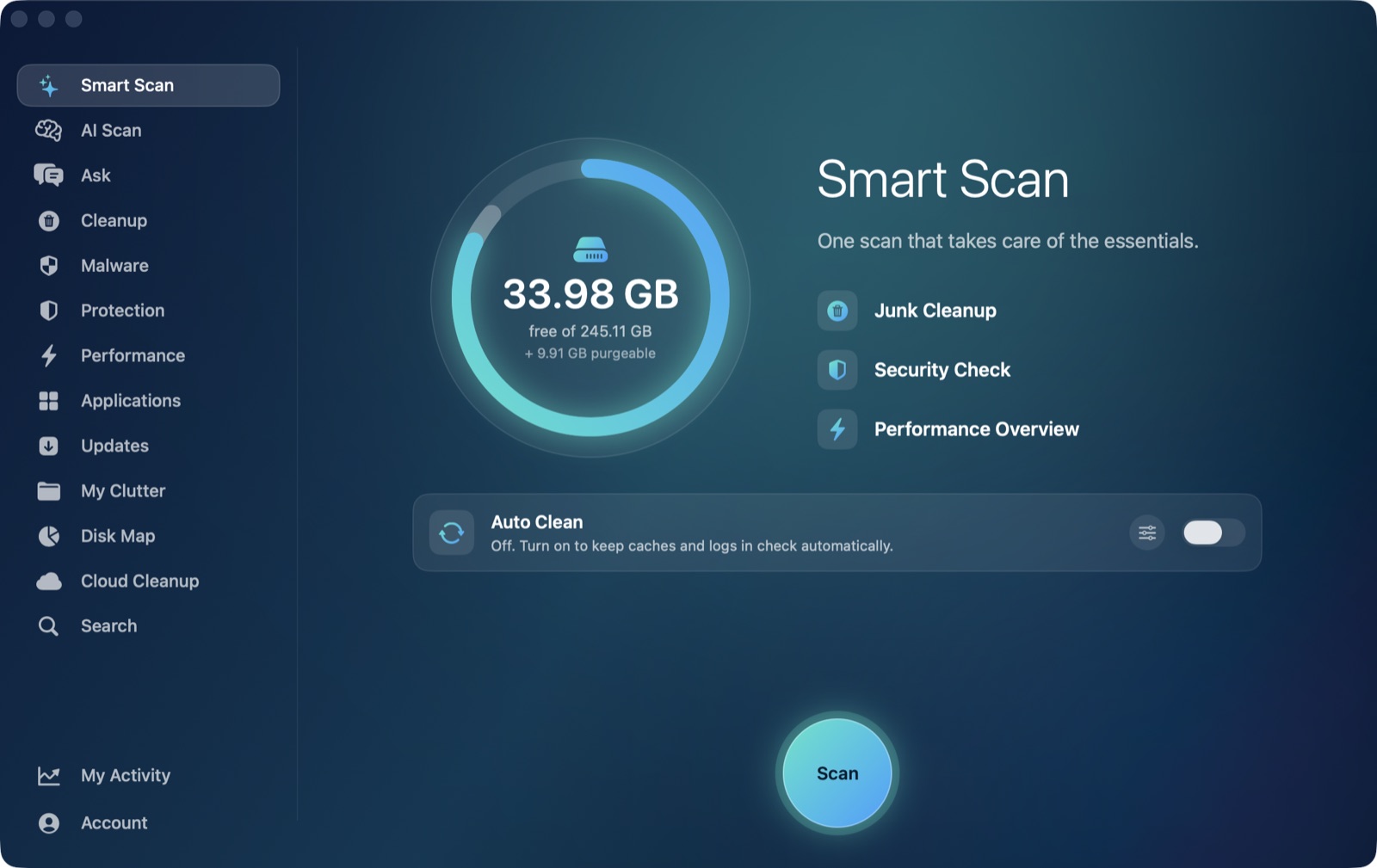
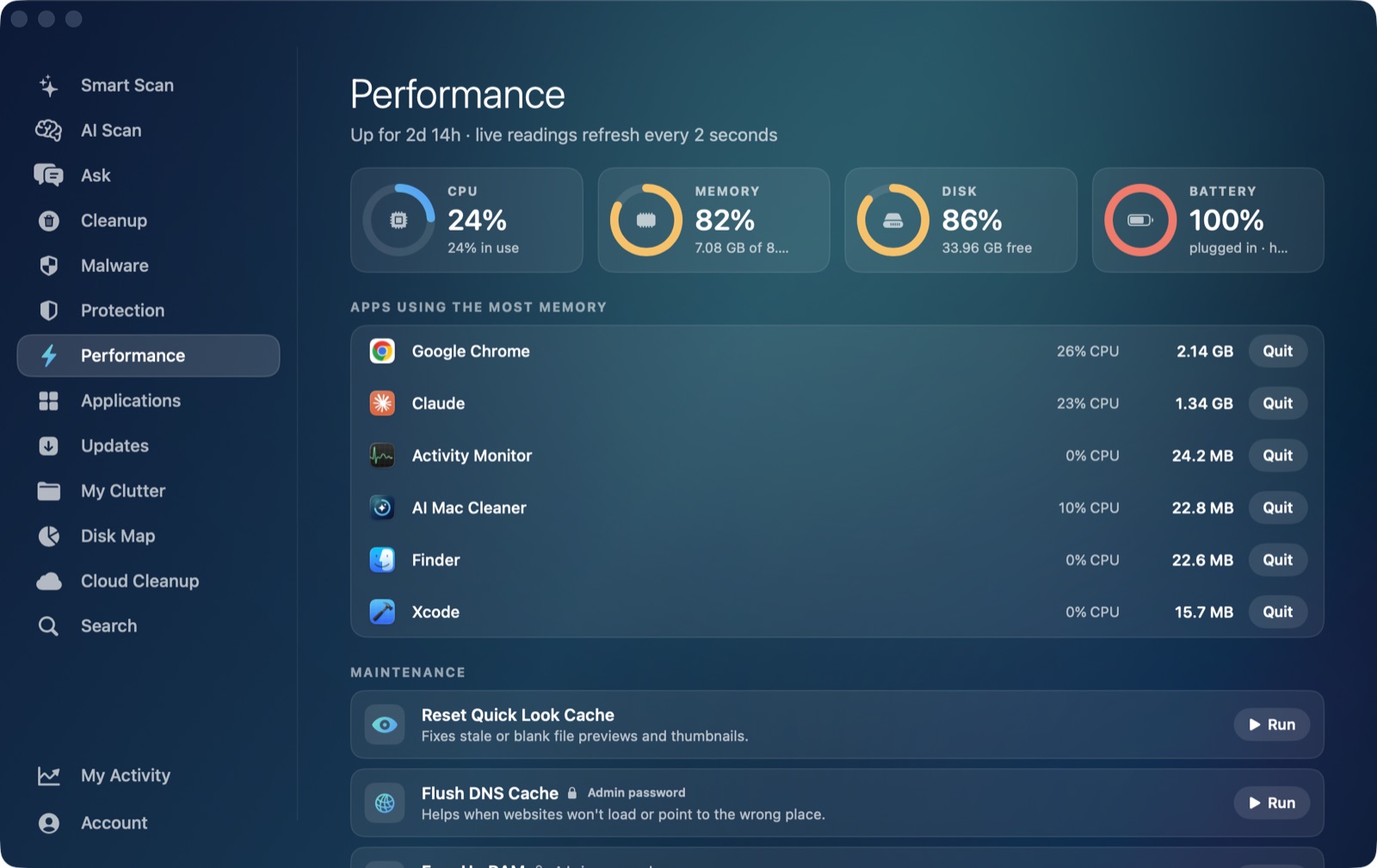
AI Mac Cleaner's Performance module lists coreduetd in the same live, ranked CPU view as mds_stores, mdworker and every other process competing for a core right now, so you can see whether it's still climbing or already settling without reopening Activity Monitor. It isn't a process the app would ever offer to remove or disable — it's a system daemon doing real device-coordination work, not junk — so the honest answer here is visibility rather than a cleanup action.
AI Mac Cleaner has a 7-day free trial with every feature unlocked and no card required, plans from $6.99/mo after. For the related Spotlight-indexing processes, see mds_stores high CPU on Mac and mdworker high CPU on Mac.
Frequently asked questions
Is coreduetd spyware or tracking software?
No — it's Apple's own CoreDuet framework, used for on-device predictions (Spotlight/Siri suggestions) and coordinating Continuity features like Handoff and AirDrop between your own devices. It isn't something installed on you, and its data stays local to your device rather than being a third-party tracker.
Why does coreduetd spike right after I wake my Mac?
Waking from sleep is exactly when Continuity needs to re-check what other devices are nearby and eligible for Handoff or Universal Clipboard, which is real work coreduetd does each time. It's expected to settle within a couple of minutes.
Will turning off Handoff stop coreduetd from using CPU?
It reduces the device-coordination work coreduetd has to do, since Handoff is one of the main features it supports — System Settings → General → AirDrop & Handoff lets you turn it off entirely, or toggle it to reset stuck state without disabling it long-term.
Can I force-quit coreduetd to free up CPU immediately?
You can, but macOS restarts it right away since it's a system daemon, so nothing is actually freed, and if a real AirDrop or Handoff action is mid-transfer, killing it can interrupt that transfer rather than fix anything.
Does AI Mac Cleaner let me disable or remove coreduetd?
No, and it shouldn't — it's a core macOS process, not an app or junk file. AI Mac Cleaner's Performance module shows it in the live CPU view so you can judge whether it's behaving normally, but managing it is a System Settings matter (Handoff, AirDrop, iCloud), not a cleanup one.